
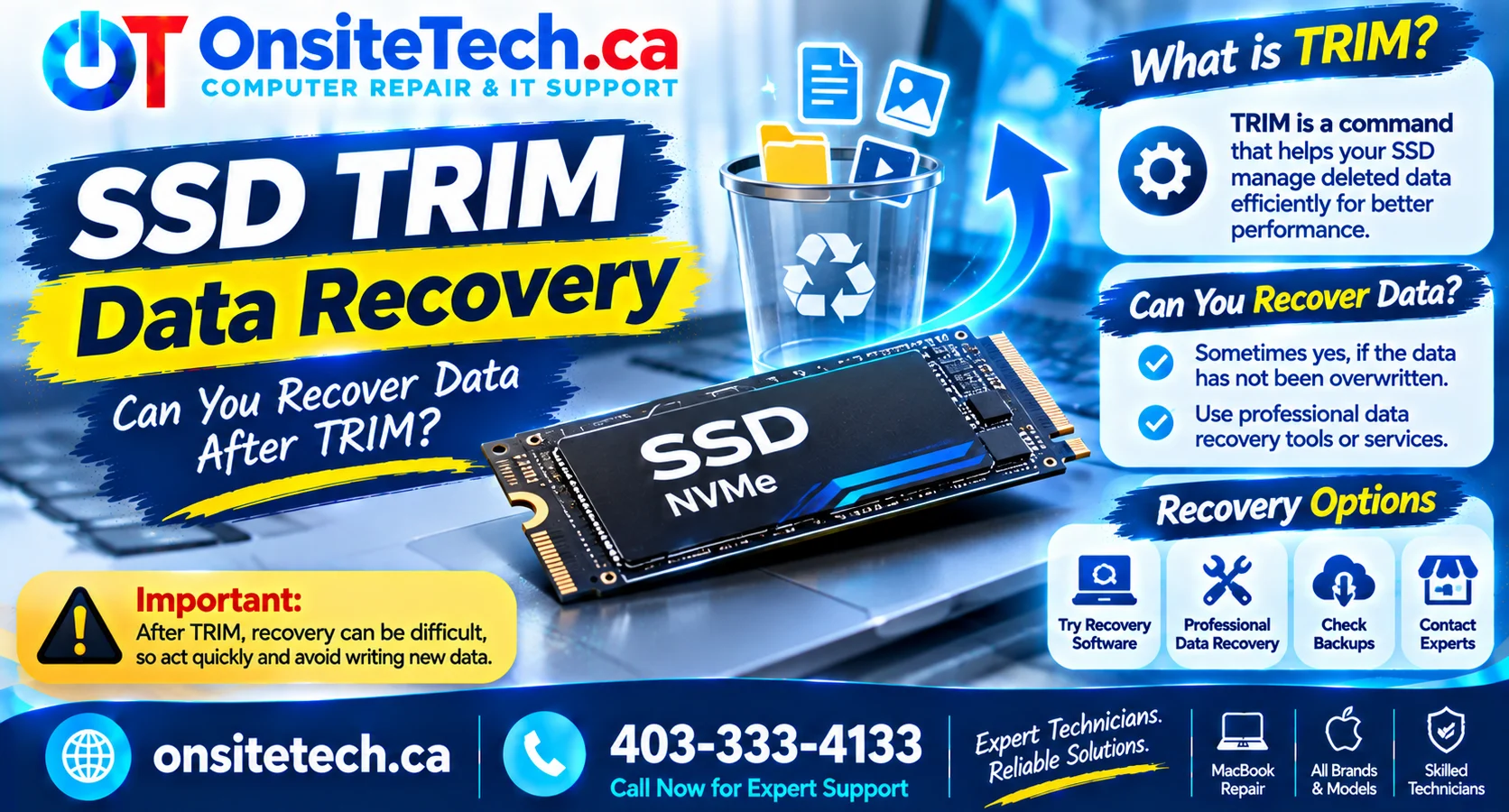
Understand how SSD TRIM and garbage collection affect deleted data, why recovery can become difficult, and what to do immediately after losing important files.
SSD TRIM data recovery depends on whether the SSD has processed the TRIM command and whether the deleted data has been permanently cleared through garbage collection. If you accidentally delete files from an SSD, stop using the drive immediately. Continued activity can reduce the chances of recovery, and recovery is not guaranteed once the affected data has been reclaimed.
SSD TRIM data recovery can be more complicated than recovering deleted files from a traditional hard disk drive. Modern solid-state drives use TRIM and garbage collection to manage storage space and maintain performance. These technologies help SSDs operate efficiently, but they can also make deleted data difficult or impossible to recover.
If you have accidentally deleted important documents, photos, videos, or business files, understanding how TRIM works can help you avoid actions that may reduce your recovery options.
Table of Contents
What Is SSD TRIM?
TRIM is a command that allows an operating system to inform a compatible SSD which data blocks are no longer needed. For example, when you delete a file, the operating system may notify the SSD that the storage space previously occupied by that file can be reused.
This helps the SSD prepare storage blocks for future writes and maintain performance over time.
TRIM is different from simply deleting a file from the Windows Recycle Bin. Deletion removes the file’s reference from the file system, while TRIM can communicate that the associated storage blocks are no longer required.
Why Do SSDs Use TRIM?
- Maintain performance: Helps the SSD prepare blocks before new data is written.
- Improve storage management: Identifies blocks that no longer contain needed file data.
- Support garbage collection: Helps the SSD manage and organize available storage internally.
- Reduce unnecessary work: Allows the drive to avoid preserving data that the operating system has already discarded.
How TRIM Affects Deleted Files
When you delete a file from an SSD, several processes may take place. The operating system updates the file system, and it may send a TRIM command to the drive. The SSD can then process the information through its internal storage-management operations.
Garbage collection is another important process. It reorganizes data inside the SSD and helps prepare blocks for future writes. Depending on the drive and its firmware, this process can make previously deleted data unavailable.
Can Deleted SSD Files Be Recovered?
Yes, SSD data recovery may be possible in certain situations, but the chances depend on how the drive has handled the deleted data.
When Recovery May Be Possible
- TRIM has not been issued or processed for the deleted data.
- The relevant storage blocks have not yet been reused or reclaimed.
- The file system still contains recoverable information.
- A backup or previous file version is available.
- The data loss resulted from a file-system issue rather than completed deletion and TRIM processing.
When Recovery Becomes Extremely Difficult
- The SSD has processed TRIM for the affected blocks.
- Garbage collection has reclaimed the storage space.
- New data has overwritten the relevant storage locations.
- The SSD uses encryption and the required encryption keys are unavailable.
- The drive has suffered severe controller, firmware, or NAND flash damage.
There is no reliable way to guarantee recovery after TRIM processing. Even professional recovery services may be unable to restore data if the original NAND pages have already been erased or reclaimed.
What Affects SSD Data Recovery?
Several technical factors determine whether deleted files can be recovered from an SSD.
| Factor | How It Affects Recovery |
|---|---|
| TRIM status | Processed TRIM commands can make deleted data inaccessible. |
| Garbage collection | May reclaim and erase storage blocks containing deleted data. |
| Drive activity | Continued writes can reduce recovery opportunities. |
| SSD encryption | Recovery may require the correct encryption key or recovery credentials. |
| File-system condition | File-system damage may sometimes leave recoverable data structures. |
| Hardware condition | Controller, firmware, or NAND problems can complicate access to stored data. |
What to Do Immediately After SSD Data Loss
If you have accidentally deleted important files from an SSD, your next actions matter. Avoid unnecessary activity on the affected drive while you assess your recovery options.
1. Stop Using the Affected SSD
Stop downloading, installing, copying, or saving files to the drive. Avoid restarting applications that may write temporary data to the affected storage device.
2. Do Not Install Recovery Software on the Same Drive
Installing recovery software onto the affected SSD can write new data to the drive. If recovery software is appropriate, install and run it from a separate storage device whenever possible.
3. Check the Recycle Bin
If the files were deleted through Windows, check the Recycle Bin first. If the files are still there, restoring them may be straightforward.
4. Check Cloud Backups and Previous Versions
Look for copies in services such as OneDrive, Google Drive, or other backup systems. Also check Windows File History or any backup application you previously configured.
5. Avoid Formatting or Initialising the Drive
If Windows asks you to format or initialise a drive containing important data, do not proceed before understanding the problem. These actions can change the drive’s file-system information and complicate recovery.
6. Consider a Professional Assessment
If the files are valuable or the SSD is showing signs of failure, avoid experimenting with multiple recovery utilities. A technician can assess the drive, its connection, and its condition before recommending the next step.
Can Recovery Software Restore SSD Files?
Data recovery software can sometimes locate deleted files on an SSD, especially when the data remains accessible and has not been reclaimed by TRIM or garbage collection.
However, recovery software cannot reliably reconstruct data that the SSD has already erased internally. A program may display old file names or directory entries without being able to restore the original file contents.
Important Precautions When Using Recovery Tools
- Do not install the software on the affected SSD.
- Save recovered files to a different physical drive.
- Avoid writing new data to the affected storage device.
- Do not assume that a successful scan guarantees usable files.
- Stop if the SSD disconnects repeatedly or shows signs of hardware failure.
When to Seek Professional Help
Professional assistance is worth considering when the lost files are important, the SSD is unstable, or the data loss involves a damaged file system or hardware problem.
A technician may assess:
- Whether the SSD is detected correctly by the computer.
- Whether the drive reports errors or unstable behaviour.
- Whether the problem is related to the operating system, file system, or hardware.
- Whether an existing backup or recovery method is available.
- Whether further recovery attempts could put the remaining data at risk.
For additional computer support, visit OnSiteTech Computer Repair in Calgary. The appropriate service and recovery options depend on the condition of the drive and the type of data loss.
How to Prevent Future SSD Data Loss
Because SSD recovery can be difficult after TRIM processing, prevention is especially important.
- Use automatic backups: Configure regular backups for important files.
- Enable cloud synchronisation carefully: Understand how file deletion synchronises across devices.
- Keep another copy: Store important documents on a separate external drive or backup location.
- Check before deleting: Review selected files and folders before permanent deletion.
- Monitor SSD health: Use the manufacturer’s diagnostic utility to check available drive-health information.
- Replace unreliable drives: Investigate repeated errors, unexpected disconnections, or health warnings promptly.
A practical backup strategy should include more than one copy of important data, with at least one backup stored separately from the computer.
Frequently Asked Questions
1. Does TRIM permanently delete files from an SSD?
TRIM tells the SSD that certain storage blocks are no longer needed. The drive may later reclaim and erase those blocks through internal processes. Once that happens, recovering the original data may be impossible.
2. Can I recover deleted files from an SSD after TRIM?
Sometimes recovery may still be possible if the relevant data has not yet been reclaimed. However, once TRIM and garbage collection have processed the blocks, recovery becomes extremely unlikely.
3. Does disabling TRIM restore deleted files?
No. Disabling TRIM does not restore data that has already been erased or reclaimed. It should not be treated as a recovery method.
4. Should I turn off my computer after deleting important files?
Minimise further activity on the affected SSD. If the data is valuable, avoid unnecessary use and seek advice before attempting recovery. Powering off does not reverse TRIM or guarantee that data will remain recoverable.
5. Is SSD data recovery harder than HDD recovery?
It can be. SSDs use TRIM, garbage collection, wear-leveling, and other internal processes that can make deleted data harder to recover than data on a traditional HDD.
6. Can a professional recover data from a physically damaged SSD?
Possibly, depending on the failure. Controller, firmware, encryption, and NAND damage can all affect recovery. Some failures cannot be recovered, even with specialised equipment.
7. Can I save recovered files back to the same SSD?
No. Save recovered files to a separate physical drive. Writing recovered data to the affected SSD can overwrite information that may still be recoverable.
Need Help With SSD Data Loss?
Lost important files after deleting data, formatting a drive, or experiencing SSD errors? OnSiteTech provides computer repair support in Calgary and can help assess storage-related problems and discuss appropriate next steps.
Final Thoughts
SSD TRIM data recovery is challenging because TRIM and garbage collection can make deleted data inaccessible much faster than many users expect. The most important step after accidental deletion is to stop using the affected SSD and avoid writing additional data to it.
Check your backups first, avoid unnecessary recovery attempts, and seek professional advice when the lost files are important. Most importantly, maintain regular backups so that one accidental deletion does not become permanent data loss.