Skip to content

Microsoft Certified · 7 Days · 9 AM–8 PM

403-333-4133

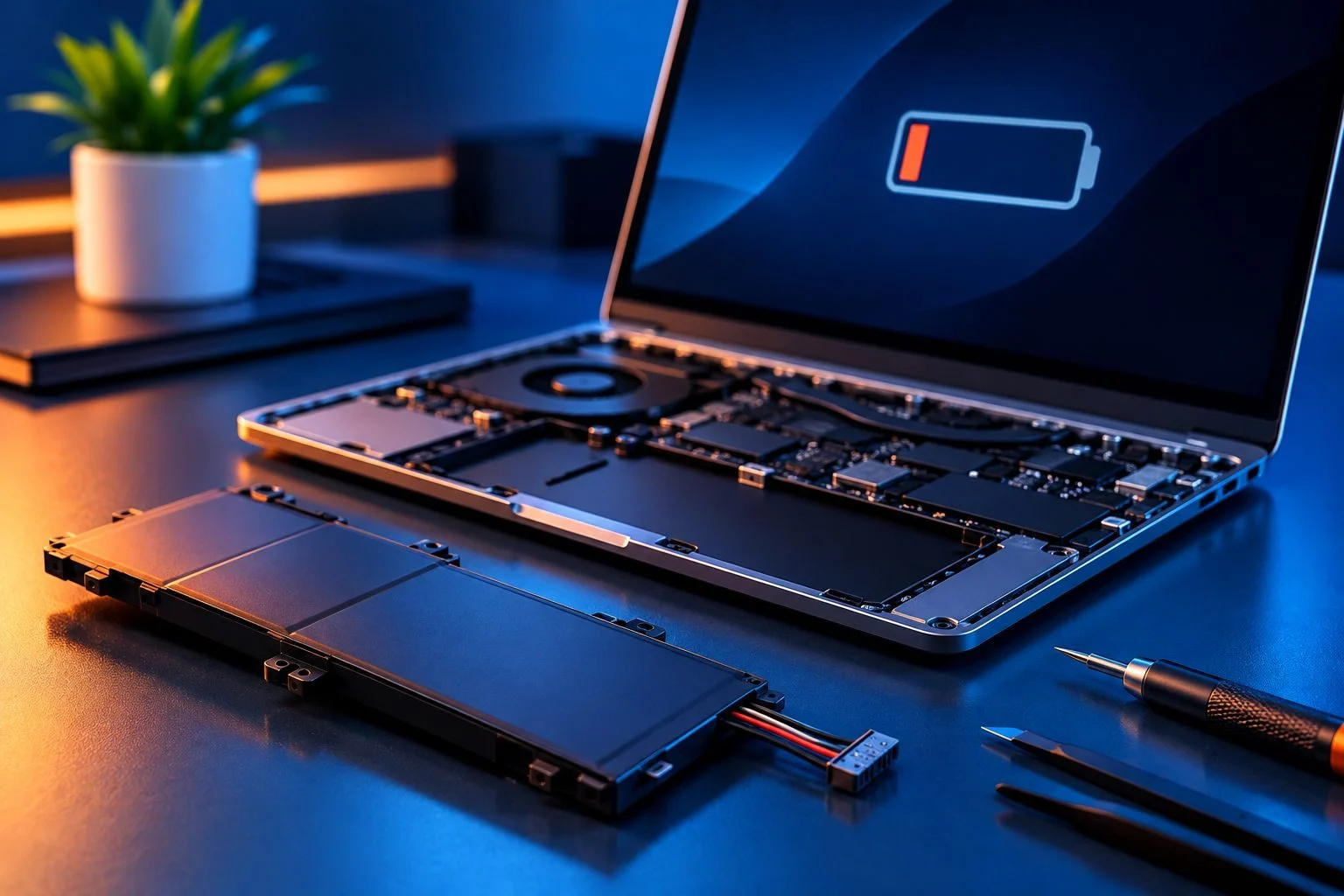
Laptop Battery Replacement — But First, Make Sure It’s the Battery

Battery dying too quickly?

Laptop only works when it’s plugged in?

Battery won’t charge?

Those symptoms can point to a worn-out battery — but they don’t always mean the battery needs to be replaced.

You don’t need to diagnose it yourself.

Tell us what your laptop is doing. We’ll start by figuring out whether the problem is actually the battery or something else.

If the battery needs replacing, we’ll identify what your laptop requires and review the price with you before work begins.

  • Microsoft Certified
  • Price approved before we start
  • 30-day warranty
  • No fix, no labour charge

Does Your Laptop Actually Need a New Battery?

Sometimes the answer is obvious.

Other times, the same symptom can have several possible causes.

A laptop that won’t charge could have a battery problem. But the charger, charging connection or another part of the laptop’s power system may also be involved.

A laptop that won’t turn on has even more possible causes.

That’s why replacing the battery based on the symptom alone can mean buying a part you didn’t need.

Diagnose first. Replace what actually needs replacing.

If the battery is the problem, we can discuss replacement.

If it isn’t, we’ll point you toward the appropriate laptop repair instead.
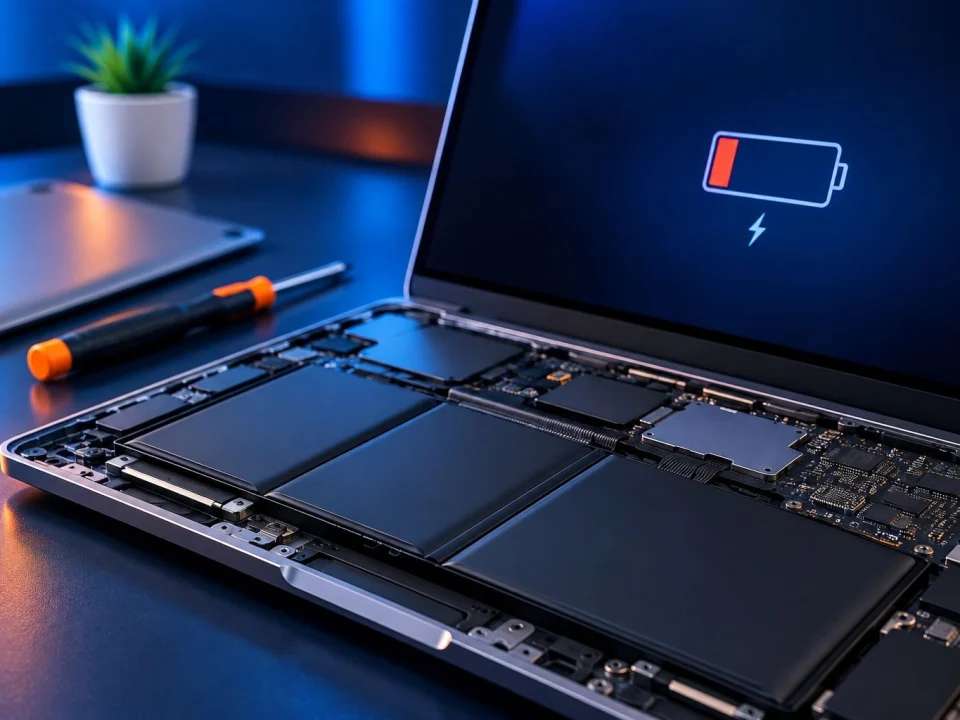
How Do I Know If My Laptop Needs a New Battery?

A battery doesn’t have to stop working completely before it becomes a problem.

You may notice:

  • much shorter battery life than before
  • unexpected shutdowns
  • a battery that no longer holds useful charge
  • the laptop shutting down when unplugged
  • battery percentage changing unpredictably
  • or a battery health/replacement warning.

The important part is how those symptoms fit together.

For example, “my laptop won’t charge” does not automatically mean “my battery is bad.”

That distinction can save you from replacing the wrong part.

Battery Problem or Charging Problem?

This is one of the most important questions to answer before replacing anything.

If your laptop is plugged in but not charging, the battery is only one possible cause.

The charger or another part of the charging system may need attention instead.

The same applies if:

  • charging cuts in and out
  • the laptop only charges in certain conditions
  • the charger isn’t being recognized
  • there’s no charging indication
  • or the laptop won’t power on.

If the problem turns out to be broader than the battery, our Laptop Repair service is the better path.

The goal isn’t to sell you a battery. It’s to figure out why your laptop isn’t working properly.

Before You Buy a Battery, Find Your Exact Laptop Model

“HP laptop battery.”
“Dell laptop battery.”
“ASUS laptop battery.”

That isn’t enough information to choose the correct replacement.

Different models from the same manufacturer can use different batteries. That’s why the exact model number matters.

What Should I Have Ready?

When you contact us, it helps to have:

  • laptop brand
  • exact model number if available
  • what the battery is doing
  • whether the laptop works normally when plugged in
  • and any battery or charging warning you’ve seen.

Can’t find the model number?

Don’t worry. Tell us what you know and we can start from there.

HP, Dell, Lenovo, ASUS or Another Laptop?

Google searches often start with the brand:

HP laptop battery replacement
Dell laptop battery replacement
ASUS laptop battery replacement

But the brand is only the starting point.

What matters for battery compatibility is the specific laptop and the battery it requires.

So instead of guessing from “HP” or “Dell,” start with the exact model whenever possible.

Don’t buy a battery just because the listing mentions your laptop brand.

Can I Replace My Laptop Battery Myself?

For some laptops, yes.

Some older laptops use removable batteries that are relatively simple to replace.

Many newer laptops use internal batteries. Replacing one may require opening the laptop, disconnecting the battery and removing components or fasteners before the battery can be taken out.

Before doing it yourself, make sure you’re comfortable with two things:

Compatibility: Do you know that the replacement battery is correct for your exact laptop?

Installation: Are you comfortable opening the device and working around internal components?

If either answer is “not sure,” getting the laptop checked first may save you from buying the wrong battery or creating another problem during installation.

What If My Laptop Battery Is Swollen?

A swollen battery needs more caution than a battery that simply doesn’t last very long.

Possible physical signs can include the laptop case no longer sitting normally or an area around the keyboard or trackpad appearing raised.

If you suspect battery swelling, avoid pressing the affected area back into place or unnecessarily opening the laptop.

Stop using the laptop and have the battery condition assessed.

How Much Does Laptop Battery Replacement Cost?

There isn’t one universal laptop battery replacement price.

The cost depends on the laptop and the work required.

Important factors include:

Your exact laptop model — Different laptops require different batteries.

The battery required — Battery pricing varies by model and part.

How the battery is installed — Some batteries are easily accessible. Others require the laptop to be opened and disassembled further.

What is actually causing the problem — If the battery isn’t the cause, the appropriate repair may be different.

OnSiteTech’s standard home and business service rate is $99/hour, with parts separate where required.

We review the applicable pricing before approved work begins.

Is It Worth Replacing a Laptop Battery?

This depends on more than the age of the battery.

Look at the laptop as a whole.

Does it still do what you need?

Is it otherwise working well?

Is battery life the main thing stopping you from using it normally?

If the laptop still meets your needs and the battery is the main problem, replacing the battery may extend the useful life of the computer.

If the laptop has several other problems or no longer meets your needs, putting more money into it may make less sense.

That’s why the decision should be based on the condition of the laptop and the cost of the appropriate repair, not just its age.

How Laptop Battery Replacement Works

  1. Tell Us What You’re Seeing

    Short battery life, charging problems, unexpected shutdowns or something else — start with the symptom.

  2. Identify the Laptop

    We use the exact laptop model when possible rather than guessing from the brand alone.

  3. Confirm the Problem

    We determine whether the symptoms point to the battery or whether another charging or power issue needs attention.

  4. Identify What’s Needed

    If battery replacement is appropriate, the correct replacement needs to match the laptop.

  5. Review the Price

    We explain the applicable work and pricing before proceeding.

  6. Complete the Approved Work

    Once you approve the work, we proceed with the agreed service.

    You stay in control of the repair decision.

Laptop Battery Replacement or Laptop Repair?

  • Battery drains much faster than before Battery diagnosis / possible battery replacement
  • Laptop only works when plugged in Battery and charging diagnosis
  • Laptop won’t charge Diagnose battery vs. charging problem
  • Laptop won’t turn on Laptop Repair
  • Laptop has several performance or Windows problems Laptop Repair
  • MacBook battery problem Mac Repair

Not sure which one applies?

You don’t need to choose perfectly.

Tell us what the laptop is doing.

Laptop Battery Replacement FAQ

How do I tell if my laptop needs a new battery?

Short battery life, unexpected shutdowns, battery warnings and a laptop that won’t stay powered when unplugged can point to battery deterioration. Similar symptoms can sometimes have other causes, so confirming the problem before replacement is useful.

Why does my laptop only work when plugged in?

A battery that can no longer provide useful power is one possible cause. The battery and charging system should be considered before deciding what needs replacement.

Why is my laptop plugged in but not charging?

The battery may be involved, but it isn’t the only possibility. The charger, charging connection or another power-related problem can produce similar symptoms.

How much does it cost to replace a laptop battery?

There isn’t one price for every laptop. Battery cost varies by model, and labour depends on how the battery is installed and what work is required. OnSiteTech’s standard home and business service rate is $99/hour, with parts separate where required.

Can I replace my laptop battery myself?

Some batteries are straightforward to replace, while others are installed internally and require the laptop to be opened. The replacement battery also needs to be compatible with the exact laptop.

How long should a laptop battery last?

Battery life varies with the battery, laptop, usage, charging habits, temperature and age. Instead of relying on age alone, pay attention to how much usable runtime the battery still provides and whether the laptop is showing battery-health problems.

What is the 40–80 rule for laptop batteries?

The 40–80 rule is a battery-care guideline that suggests avoiding keeping a lithium-ion battery at very low or very high charge levels all the time. It’s a usage guideline, not a test that determines whether your laptop needs a new battery.

What damages laptop batteries?

Battery ageing is affected by multiple factors. Heat, usage patterns, charging cycles and time can all contribute to declining capacity.

Can a laptop work without a battery?

Some laptops can operate from external power without a functioning battery, depending on the device and its design. That doesn’t determine why a particular laptop has a charging or power problem.

Is it worth replacing the battery in an older laptop?

Age alone doesn’t decide it. Consider the laptop’s overall condition, whether it still meets your needs, whether the battery is the main problem and the cost of the appropriate repair.

Do I need the exact laptop model for a replacement battery?

Yes, the exact model is much more useful than the brand alone. Different laptops from the same manufacturer can require different batteries.

Your Laptop Doesn’t Have to Stay Tied to the Charger

A battery that dies too quickly is frustrating.

But a charging problem doesn’t automatically mean you need a new battery.

Start with what your laptop is doing.

We’ll help determine whether you’re dealing with the battery, the charging system or another laptop problem — and explain the next step before work begins.

  • Microsoft Certified
  • Price approved before we start
  • 30-day warranty
  • No fix, no labour charge

Your Computer Problem Doesn’t Have to Take Over Your Day.

You don’t need to know exactly what’s wrong. Tell us where you are and what’s happening.

Call Now Book Repair