
Computer & IT Services
Don’t Choose a Repair. Start With What’s Wrong.
- Microsoft Certified
- Price approved before we start
- 30-day warranty
- No fix, no labour charge
What’s Happening With Your Technology?
Recommended start
Computer or Laptop Repair
A computer that will not start can have several causes. It does not automatically mean you need a new battery or a new computer.
- Possible causes
- Power/charging; battery on laptop; hardware; another internal issue
- Why start here
- Start with diagnosis before recommending a specific repair.
Recommended start
Computer Repair
Slow performance can come from software, storage, hardware, malware or system configuration.
- Possible causes
- Startup/software load; storage; hardware limitations; possible malware
- Why start here
- Find the cause before assuming replacement or upgrade.
Recommended start
Computer or Laptop Repair
Repeated freezes and crashes can have different causes.
- Possible causes
- Windows/driver; hardware instability; overheating; storage/memory
- Why start here
- Start from symptom and narrow down the cause.
Recommended start
Laptop Repair
Not charging does not automatically mean the battery needs replacement.
- Possible causes
- Charger/connection; battery; power issue; another laptop fault
- Why start here
- Battery replacement only if testing confirms battery is the problem.
Recommended start
Wi-Fi & Network Support
Weak signal and disconnecting devices are often best understood where the network is used.
- Possible causes
- Coverage; router/setup; device connectivity; network configuration
- Why start here
- On-site context can matter for network issues.
Recommended start
Data Recovery
If important files are missing or inaccessible, start by understanding the situation without unnecessary changes.
- Possible causes
- Missing files; inaccessible drive; computer won’t boot; accidental loss
- Why start here
- Start with the data problem and device condition.
Recommended start
Virus & Malware Removal
Pop-ups, suspicious behaviour or unwanted software can indicate the need for a security check.
- Possible causes
- Pop-ups; suspicious software; browser problems; possible malware
- Why start here
- Assess system and remove unwanted/malicious software where appropriate.
Recommended start
Computer Repair
User only needs to describe what they see, hear or experience.
- Possible causes
- Describe symptom; when it happens; what changed
- Why start here
- Use symptom-led intake to choose next step.
14 Services. One Simple Starting Point.
Computer & Laptop
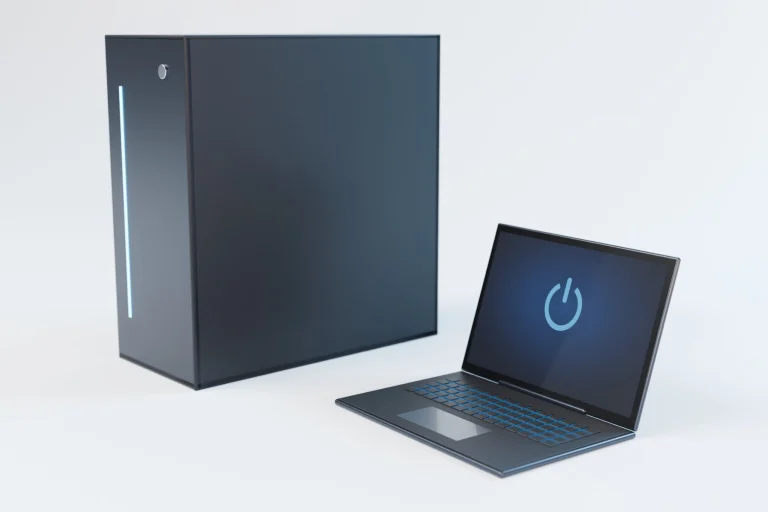
- Computer Repair Slow computers, startup problems, crashes, errors and general computer issues. Explore Computer Repair
- Laptop Repair Power, charging, overheating, Windows, keyboard and performance problems. Explore Laptop Repair
- Mac Repair Troubleshooting and support for Mac and MacBook problems. Explore Mac Repair
- Liquid Damage Repair Help after water, coffee or another liquid spill on a computer or laptop. Explore Liquid Damage Repair
Parts & Hardware
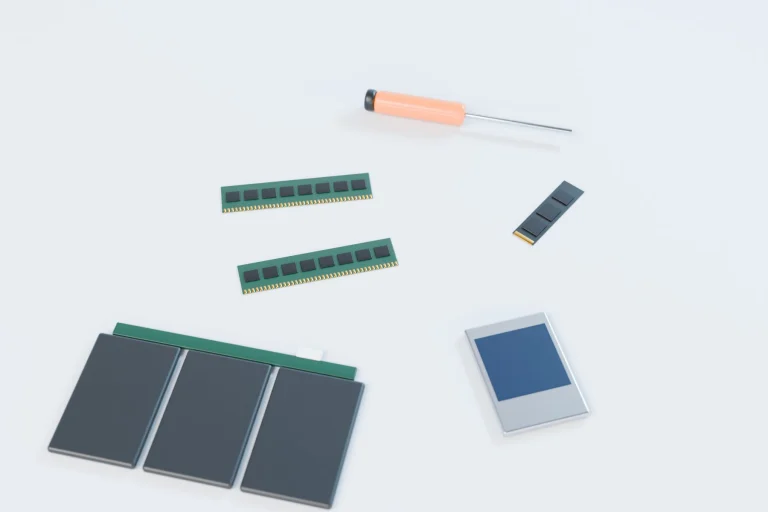
- Laptop Screen Replacement For cracked, damaged or malfunctioning laptop displays. Explore Laptop Screen Replacement
- Laptop Battery Replacement Battery replacement when diagnosis confirms the battery is the problem. Explore Laptop Battery Replacement
- Hardware Upgrades Improve or extend your computer with appropriate hardware upgrades. Explore Hardware Upgrades
Software, Security & Data
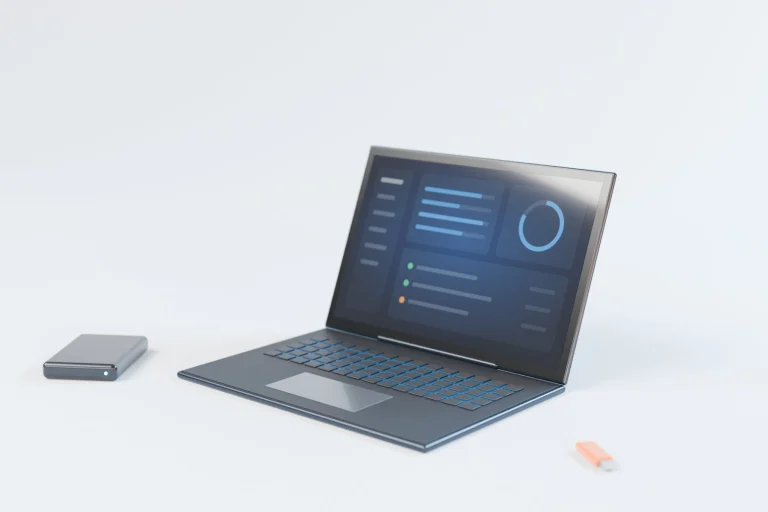
- Virus & Malware Removal Diagnose and remove viruses, malware and unwanted software. Explore Virus & Malware Removal
- Windows 11 Upgrade Compatibility checks, upgrade planning and Windows 11 setup. Explore Windows 11 Upgrade
- Data Recovery Help recovering important files from computers and storage devices. Explore Data Recovery
Home & Connectivity

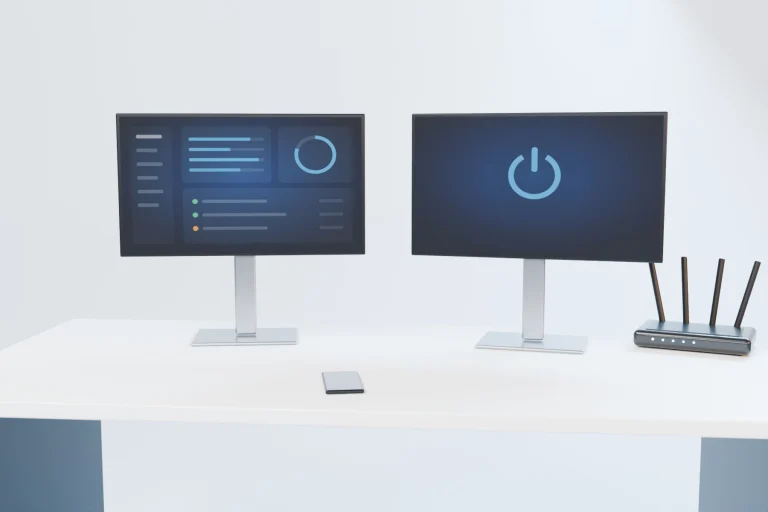
- Wi-Fi & Network Support Help with weak Wi-Fi, connectivity and network setup. Explore Wi-Fi & Network Support
- Printer Support Printer setup, connection and troubleshooting. Explore Printer Support
- Smart Home Setup Help setting up and connecting compatible smart home technology. Explore Smart Home Setup
Business
No service matches that word. You can still start with what’s happening — you don’t need to pick a service first.
Understand the Problem First. Decide Second.
-
01
Start With the Problem
You don’t have to choose the perfect repair service before asking for help.
-
02
Don’t Guess at the Fix
We don’t want a symptom treated as proof that a particular part needs replacing.
-
03
Explain Before Additional Work
If additional approved work or cost is required, applicable pricing is reviewed before that work proceeds.
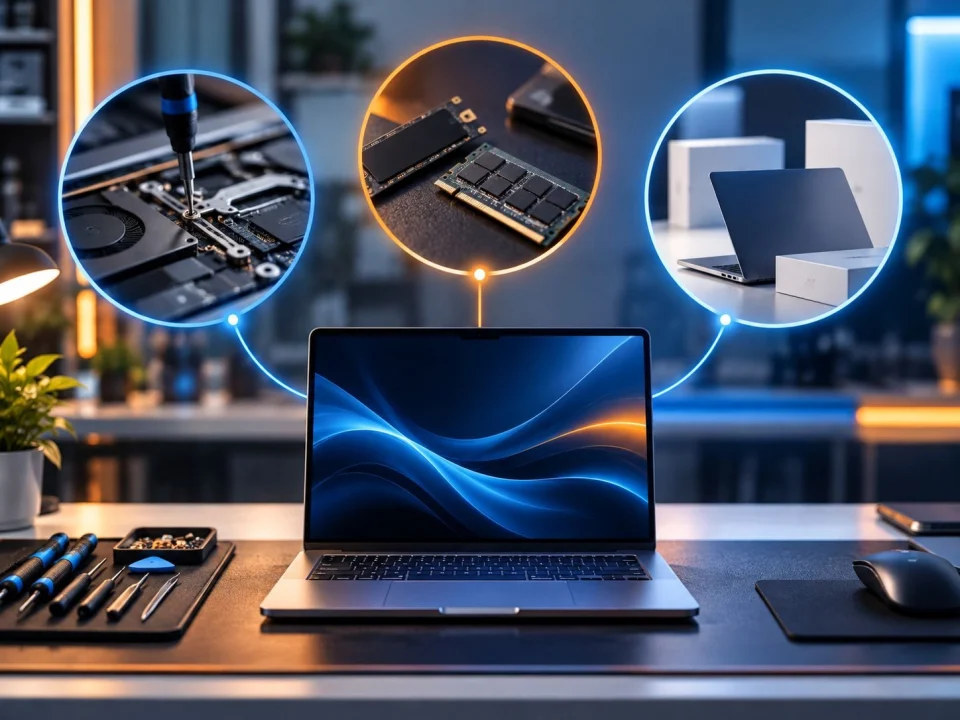
Repair It, Upgrade It, or Replace It?
Understand the problem first, then decide whether repair, upgrade or replacement makes sense.
Still Not Sure Which Service You Need?
You don’t need to know exactly what’s wrong. Tell us where you are and what’s happening.
- Microsoft Certified
- Price approved before we start
- 30-day warranty
- No fix, no labour charge
