
Laptop Repair That Starts With What’s Actually Wrong
Your laptop stopped working properly.
Maybe it won’t turn on. Maybe it’s painfully slow, keeps freezing, gets too hot, shows Windows errors, or suddenly stopped charging.
You don’t need to know which part failed before asking for help.
OnSiteTech provides on-site laptop repair and troubleshooting for homes and businesses. Start by telling us what the laptop is doing. We diagnose the problem, explain your options, and get your approval before repair work begins.
- Microsoft Certified
- Price approved before we start
- 30-day warranty
- No fix, no labour charge
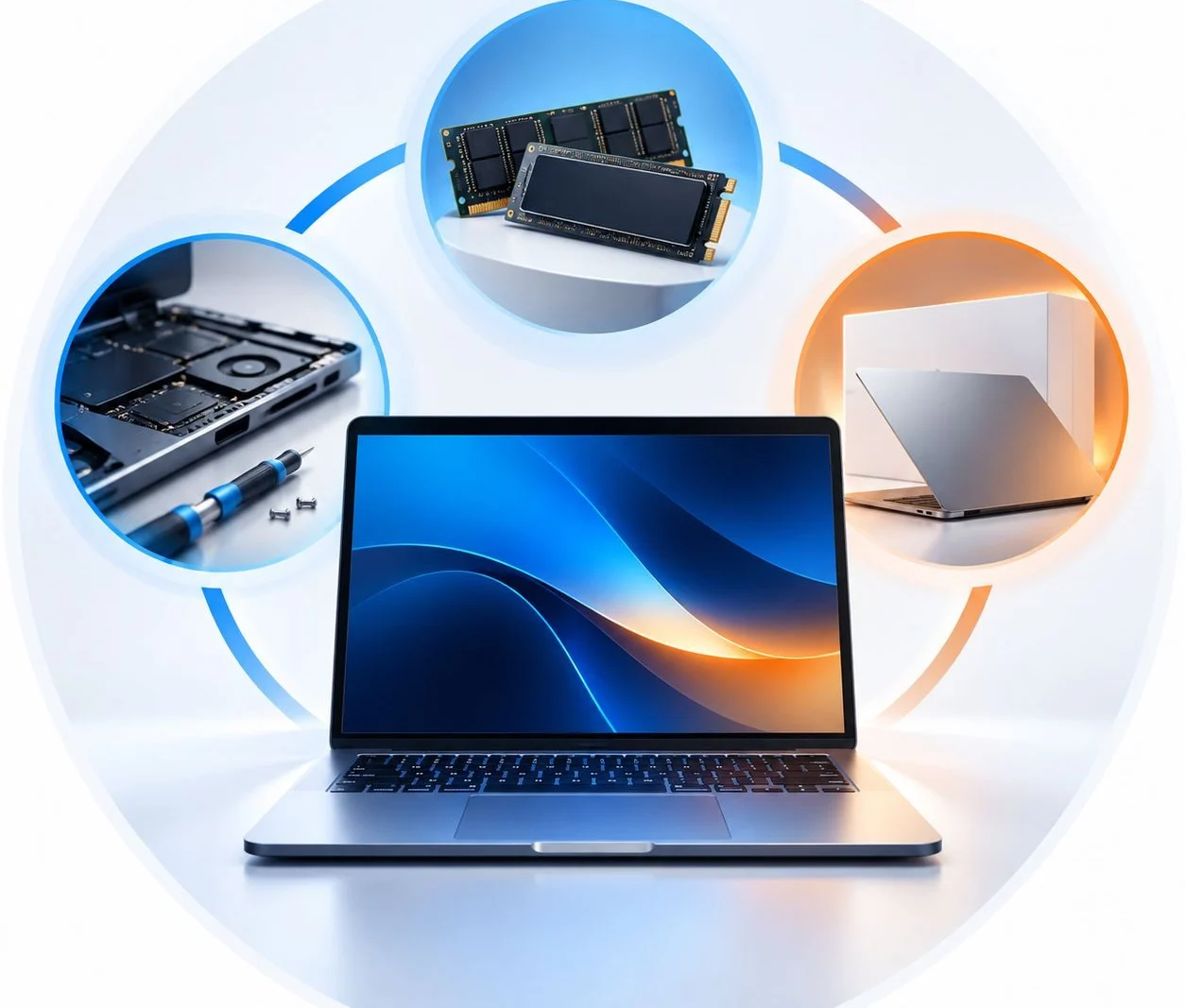
You Don’t Need to Know Which Repair You Need
A symptom tells us where to start. It doesn’t always tell us what needs replacing. Choose what sounds closest to what your laptop is doing.
Recommended start
Laptop Repair
You press the power button and nothing happens—or the laptop starts but never reaches Windows. A no-power or startup problem can have different causes. Start with diagnosis, not a guess.
No-power or startup symptoms can have different causes. Start with diagnosis, not a guess.
Recommended start
Laptop Repair
Programs take too long to open. Startup drags. Even simple tasks feel slower than they should. Software, Windows, storage, memory, malware, overheating, or aging hardware can all affect performance. We find the cause before deciding whether troubleshooting or an upgrade makes sense.
Performance can be affected by Windows, software, storage, memory, malware, overheating or aging hardware.
Recommended start
Laptop Repair
Random freezes, restarts, blue screens and crashes can point to different software or hardware problems. Instead of trying random fixes, start by finding out what is actually causing the instability.
Crashes, restarts and blue screens can be software or hardware related.
Recommended start
Laptop Repair
Plugged in—but the battery isn’t charging? That does not automatically mean you need a new battery. The battery may be involved, but charging and power problems can have other causes. We diagnose the problem first.
Not charging does not automatically mean battery. Diagnose first.
Recommended start
Laptop Repair
A laptop that gets unusually hot, constantly runs its fans, slows down under load, or shuts itself off needs investigation. We look at the behaviour first rather than promising a particular repair before testing.
Investigate heat, fans, slowdown and shutdown behaviour before promising a repair.
Recommended start
Laptop Repair
Blue screens, failed updates, startup loops and recurring Windows errors can make an otherwise useful laptop impossible to work with. We troubleshoot the symptoms and determine the appropriate next step.
Troubleshoot startup loops, blue screens, failed updates and recurring errors.
Recommended start
Laptop Repair
Keys not responding? Trackpad behaving strangely? Tell us what’s happening and we’ll determine whether the problem can be addressed through troubleshooting or requires a more specific repair path.
Start with the symptom; determine troubleshooting vs specific repair path.
Recommended start
Laptop Repair
That’s completely fine. You don’t have to choose a component or diagnose the laptop yourself. Tell us what you’re seeing and we’ll start there.
Customer does not need to self-diagnose.
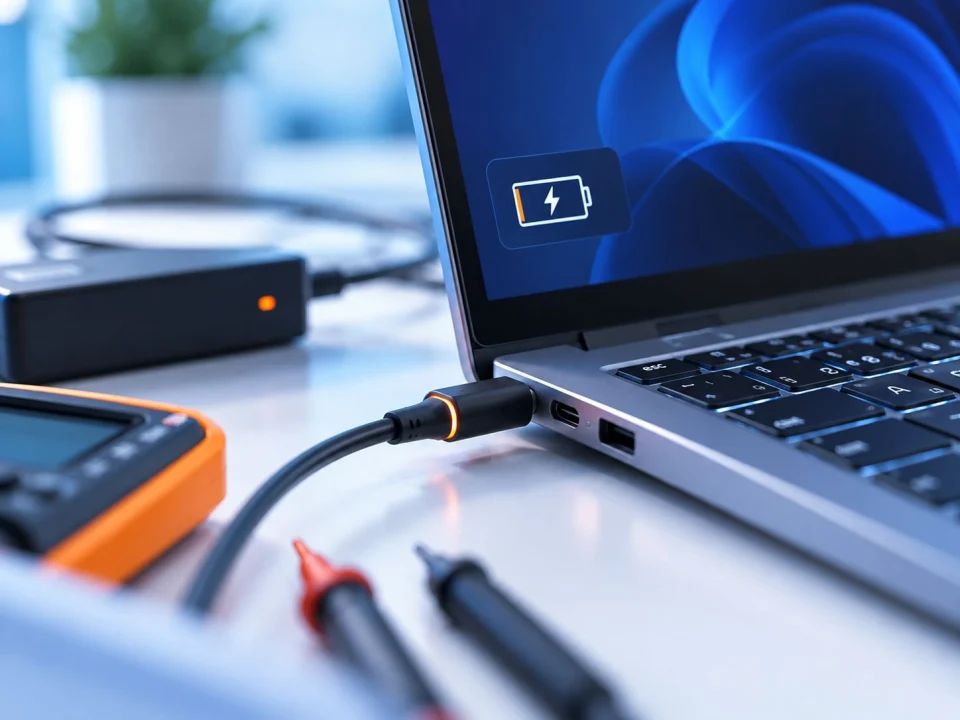
Not Charging Doesn’t Automatically Mean Battery
This deserves its own section because it’s an easy problem to misdiagnose.
Your laptop is plugged in. The charging icon may not appear. The battery percentage may not increase. The laptop may work only while connected to power—or it may not power on at all.
It’s tempting to immediately order a battery. But the symptom alone doesn’t confirm the battery is the cause.
OnSiteTech starts with the charging problem itself. If diagnosis confirms the battery needs replacing, we can direct you to our dedicated Laptop Battery Replacement service. If the problem points somewhere else, you haven’t replaced a part just because it seemed like the obvious answer.
Diagnose first. Replace second.
What Laptop Repair Can Help With
- Laptop won’t turn on
- Laptop won’t start Windows
- Slow performance
- Freezing and crashing
- Blue screens and recurring errors
- Unexpected restarts
- Windows and software problems
- Driver problems
- Charging and power diagnosis
- Overheating and unexpected shutdowns
- Keyboard and trackpad issues
- General laptop troubleshooting
- Setup and configuration problems
- Performance diagnosis
If diagnosis shows that you need a specialized service, we point you in the right direction instead of forcing everything into “Laptop Repair.”
Already Know What Your Laptop Needs?
- Cracked/damaged screen Laptop Screen Replacement
- Confirmed battery problem Laptop Battery Replacement
- More storage/memory Hardware Upgrades
- Virus/malware concern Virus & Malware Removal
- Files are priority Data Recovery
- Mac Mac Repair
You don’t have to choose one of these before booking if you’re not sure. Start with Laptop Repair and the symptoms can guide the next step.
Stop Guessing. Start With Diagnosis.
When a laptop fails, it’s easy to start replacing whatever seems most likely.
Slow laptop? Add RAM. Not charging? Buy a battery. Crashing? Reinstall Windows. Won’t start? Assume the worst.
Sometimes those guesses are right. Sometimes they aren’t.
Different problems can produce similar symptoms, so OnSiteTech starts by understanding what the laptop is actually doing. Then we explain what we find: what appears to be wrong, what the practical options are, and what the proposed work will cost.
You decide what happens next.
Repair It, Upgrade It, or Replace It?
Repair — When the laptop still meets your needs and the problem can reasonably be corrected, repair may be the sensible option.
Upgrade — Sometimes the laptop isn’t broken—it simply isn’t keeping up. If compatible hardware is limiting performance, an upgrade may be worth considering.
Replace — There are situations where putting more money into an older or heavily damaged laptop may not make practical sense.
We don’t make that decision for you. We help you understand the problem and the available options so you can decide.
Some Laptop Problems Make More Sense at Home
Your laptop may be portable. Your entire setup isn’t.
External monitors, printers, Wi-Fi, docks, peripherals, accounts and the environment where you actually use the laptop can all be part of the problem.
OnSiteTech provides on-site laptop repair and IT support at homes and businesses. For suitable problems, help comes to you.
Know Before the Work Starts
A broken laptop already creates uncertainty. The repair process shouldn’t create more.
Standard on-site labour is $99/hour. We explain the proposed work and price before repair work begins. If the device cannot be repaired, there is no labour charge. Applicable travel charges may still apply. Travel outside Calgary is charged according to the service-area pricing policy.
How Laptop Repair Works
-
1
Tell Us What Happened
Start with the symptom; no technical diagnosis needed.
-
2
We Diagnose the Problem
We investigate rather than automatically assuming a part needs replacing.
-
3
Understand Your Options
Troubleshooting, repair, upgrade, specialist service, or replacement may be appropriate.
-
4
Approve the Work
You know the proposed work and price before we proceed.
-
5
Get Back to What You Were Doing
Once approved, we proceed within the agreed scope.
Laptop Repair Without the Guesswork
Start with what’s happening — You don’t need to diagnose the laptop yourself.
Diagnose before replacing — We don’t assume the obvious part is automatically the failed part.
Understand your options — Repair isn’t always the only answer.
Approve before work starts — You remain in control of the decision.
Get help where you use the laptop — On-site support is available for homes and businesses.
Performed labour is backed by our 30-day labour warranty, subject to its scope and exclusions.
Frequently Asked Questions About Laptop Repair
Do I need to know what’s wrong with my laptop before booking?
No. Start by telling us what the laptop is doing. You don’t need to know which component or software problem is responsible.
Why won’t my laptop turn on?
Several different problems can cause a laptop to fail to start. The symptom alone may not identify the failed component, which is why diagnosis should come before recommending a specific repair.
My laptop isn’t charging. Do I need a new battery?
Not necessarily. A battery is one possible cause, but a laptop that won’t charge does not automatically need battery replacement. We recommend diagnosing the charging problem first.
Can you help if my laptop keeps freezing or crashing?
Yes. Freezing, crashes, unexpected restarts and blue screens can be investigated to determine the appropriate repair path.
Can you help with a slow laptop?
Yes. Slow performance can have several causes. We can investigate the problem before deciding whether troubleshooting, software work, or a compatible hardware upgrade makes sense.
Do you replace laptop screens?
Screen-specific problems have their own service path. If your screen is cracked or damaged, see Laptop Screen Replacement.
Do you replace laptop batteries?
Battery replacement has its own dedicated service. If the battery has been identified as the problem, see Laptop Battery Replacement. If the laptop simply isn’t charging and you don’t know why, start with diagnosis.
Can you help with Windows problems?
Yes. Windows startup problems, recurring errors, blue screens and related software issues can be part of laptop troubleshooting. Windows 11 upgrade work has its own dedicated service when the goal is specifically upgrading the operating system.
How much does laptop repair cost?
Standard on-site labour is $99/hour. The total depends on the problem and work required. See Repair Pricing for the full pricing and travel policy.
Should I repair or replace my laptop?
That depends on what failed, the laptop’s age and condition, the work required, and whether the device still meets your needs. Understanding the problem first makes that decision easier.
Your Laptop Problem Is Enough to Start
You don’t need a part number. You don’t need to know whether it’s Windows, the battery, storage, memory, or something else. You just need to tell us what’s happening.
OnSiteTech will start there.
