Skip to content

Microsoft Certified · 7 Days · 9 AM–8 PM

403-333-4133

Virus & Malware Removal That Starts With What’s Actually Wrong

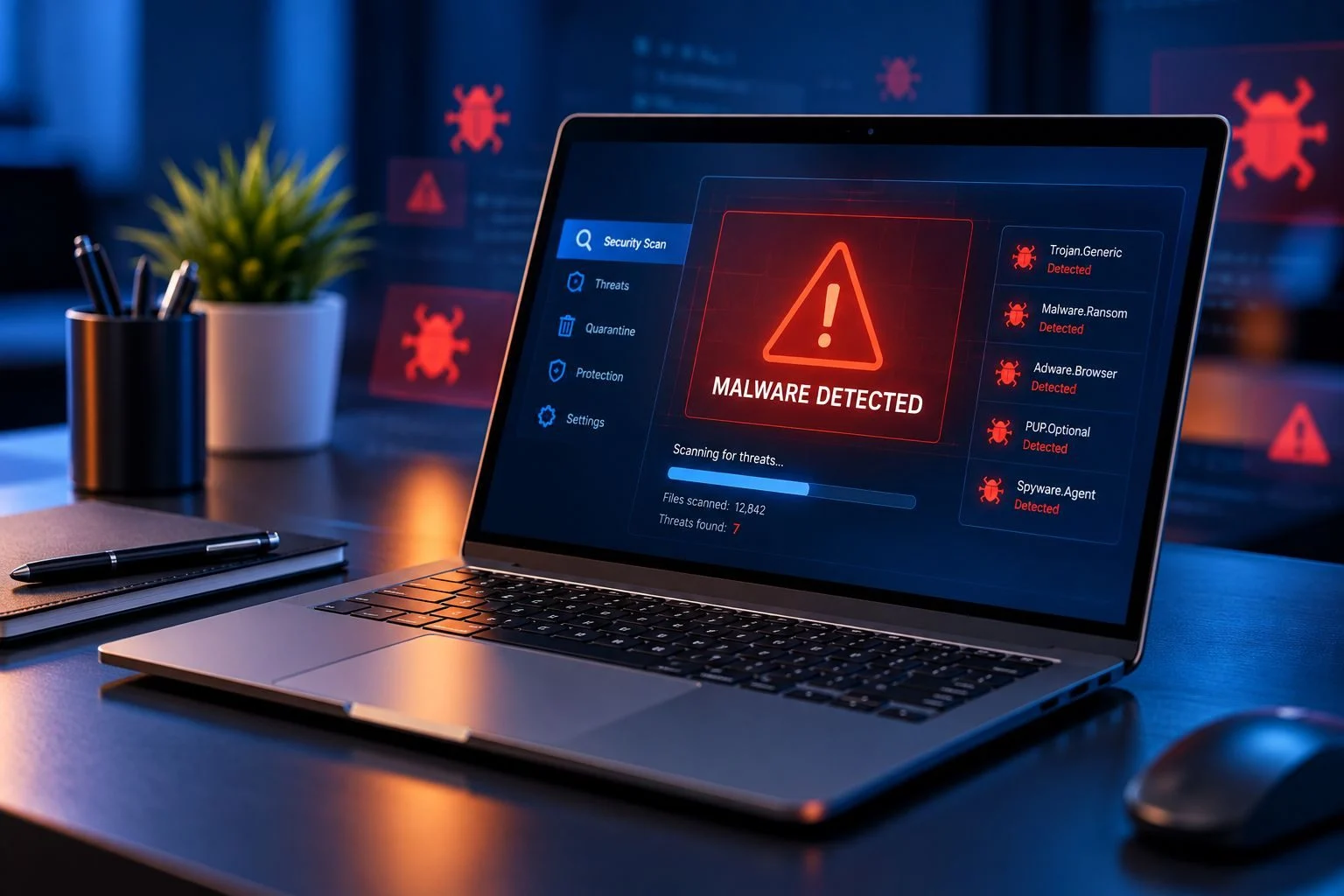
Pop-ups that won’t stop. Strange browser redirects. Security warnings you don’t recognize. Programs you don’t remember installing.

Something feels wrong with your computer — but you may not know whether it’s a virus, malware, unwanted software, or something else.

You don’t need to diagnose it yourself.

Tell OnSiteTech what’s happening. We’ll check the problem, explain what we find, and discuss the recommended next step before work begins.

  • Microsoft Certified
  • Price approved before we start
  • 30-day warranty
  • No fix, no labour charge

A Strange Computer Problem Doesn’t Automatically Mean You Have a Virus

A slow computer isn’t automatically infected.

A crash doesn’t automatically mean malware.

And a security warning on a webpage isn’t automatically a legitimate warning.

Different problems can produce similar symptoms.

That’s why we don’t start by assuming what’s wrong.

Diagnose First. Remove What’s Actually There.

OnSiteTech starts with the symptoms, checks the computer, and determines the appropriate next step based on what we find.

No guessing.
What Should I Do Right Now?

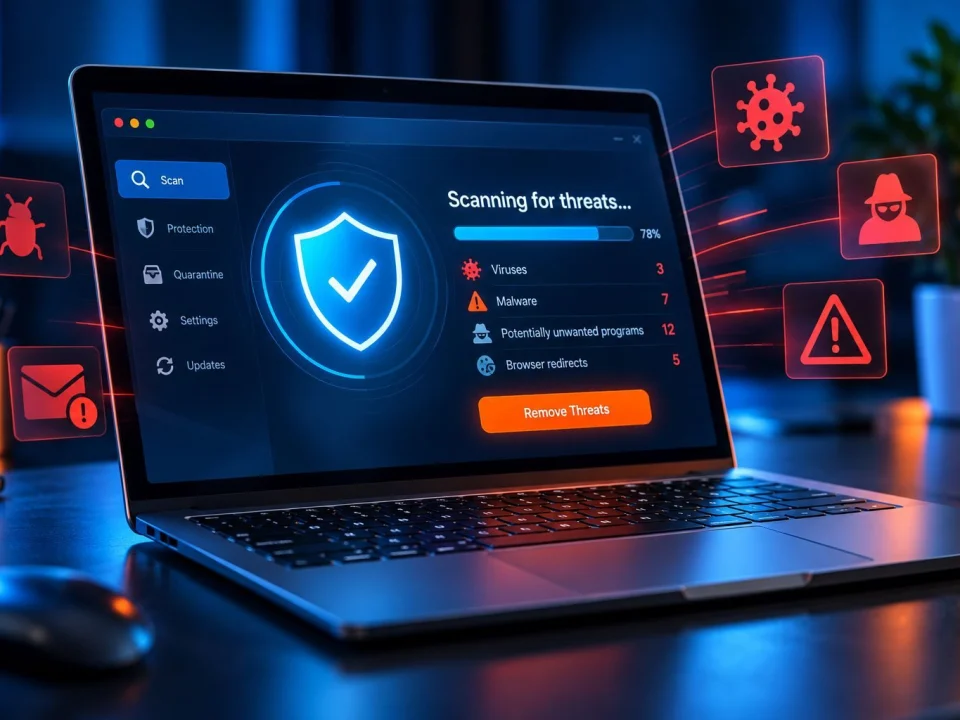
If something suspicious is happening on your computer, don’t feel pressured by an unexpected warning telling you to call a number, download software, provide information or act immediately.

If you’re unsure what you’re looking at, you don’t need to figure it out alone.

Make a note of what happened or show us the warning when possible.

Then we can start with the actual behaviour you’re seeing.

Free Virus Scanners Can Be Useful — But They Don’t Answer Every Question

A lot of people start by searching for a free virus scanner or malware removal tool.

That makes sense.

But running a scanner and understanding why your computer is behaving strangely are not always the same thing.

If you’ve already tried antivirus software or a malware removal tool and the problem keeps coming back, repeatedly trying different scanners may not identify the real cause.

The next useful step may be diagnosing the computer.

Already Tried Removing It Yourself?

Maybe you already ran an antivirus or malware scan, removed a suspicious program, deleted a browser extension, reset your browser, or restarted the computer.

If the problem disappeared, great.

If the same redirects, pop-ups, warnings or unusual behaviour keep returning, we can check what’s actually happening.

What Virus & Malware Removal Can Help With

Depending on what the diagnosis finds, we can help investigate problems involving suspicious or unwanted software, recurring pop-ups, browser redirects, unwanted browser changes, security warnings, suspicious startup behaviour, unwanted applications, and unusual behaviour following a questionable download or installation.

But we don’t force every computer problem into “virus removal.”

If the symptoms point to a different issue, we’ll explain that instead.
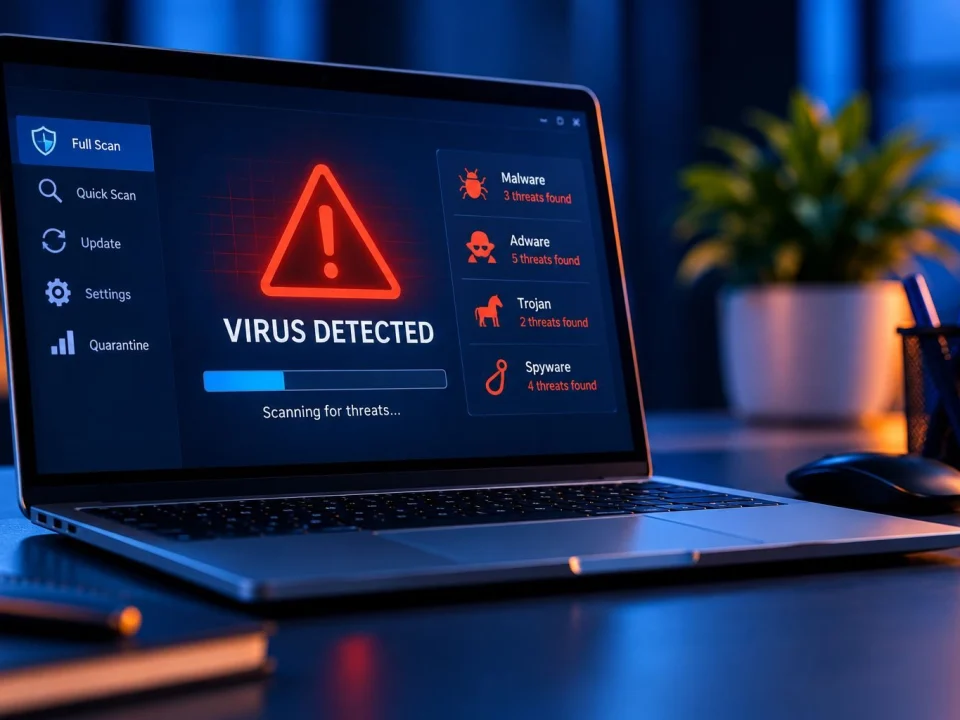
“My Computer Says I Have a Virus.” Is the Warning Real?

Not every warning that looks like a security alert comes from Windows or your security software.

Some webpages and unwanted software can display alarming messages designed to make you act quickly.

If a warning tells you to call a phone number, install something or take immediate action, and you aren’t sure whether it’s legitimate, you don’t need to make that decision based on the message alone.

Show us what happened.

We can start by determining what you’re actually dealing with.

What Happens During the Service?

  1. Tell Us What Happened

    Tell us what changed, what warning appeared, or what makes you concerned. No technical explanation required.

  2. We Check the Computer

    We investigate the symptoms and determine whether they appear to involve malware, unwanted software, browser behaviour or another computer problem.

  3. We Explain What We Find

    You get a clear explanation of the problem and the recommended next step.

  4. You Decide

    We explain the proposed work and pricing before proceeding.

  5. We Address the Problem

    Once you approve the work, we proceed with the appropriate service based on what the diagnosis found.

Sometimes the Right Answer Isn’t Virus Removal

This is important.

If your computer is slow, freezing or crashing but there are no clear security symptoms, Computer Repair may be the better starting point.

If the main issue is a Windows laptop hardware or software problem, start with Laptop Repair.

Using a Mac? Start with Mac Repair.

If your main concern is inaccessible or lost files, Data Recovery is the more appropriate service.

The goal isn’t to fit your problem into a service name.

The goal is to figure out what your computer actually needs.

On-Site Help Lets You Show Us What You’re Seeing

Some computer problems are difficult to describe over the phone.

Maybe the warning disappeared. Maybe the browser only behaves strangely at certain times. Maybe something unexpected happens when the computer starts.

With on-site service, you can show us what you’ve been experiencing on the computer you actually use.

You don’t need to translate the problem into technical language first.

How Much Does Virus & Malware Removal Cost?

OnSiteTech’s standard home and business service rate is $99 per hour.

We explain the problem and recommended work before proceeding.

If the computer cannot be repaired, there is no labour charge. Applicable travel charges may still apply.

For complete pricing and travel details:

Not Sure Which Service You Need?

You don’t need to choose perfectly. If you’re unsure, start by telling us what the computer is doing.

Frequently Asked Questions

How do I know if my computer has a virus or malware?

Pop-ups, redirects, suspicious programs, unexpected startup behaviour and repeated security warnings can be signs of a problem. But symptoms alone don’t prove malware is present. Diagnosis helps determine what’s actually happening.

Can a virus make my computer slow?

Malware can be one possible cause of unusual performance, but it isn’t the only one. Software, storage, startup processes and hardware problems can also affect performance. That’s why we don’t assume a slow computer is infected.

I already ran antivirus software. Why is the problem still happening?

The problem may not have been fully addressed, or it may have another cause. If the symptoms continue, diagnosing the computer can be more useful than repeatedly trying different scanning tools.

Can you help with pop-ups and browser redirects?

We can investigate recurring pop-ups, redirects and unwanted browser behaviour and determine the appropriate next step based on what is causing them.

What if I clicked a suspicious link?

Tell us what happened and anything unusual you noticed afterward. You don’t need to determine whether the link caused an infection before asking for help.

A warning says my computer is infected and tells me to call a number. What should I do?

Be cautious with unexpected warnings that pressure you to call, download software, provide information or act immediately. If you’re unsure whether the message is legitimate, we can help investigate what is happening.

Do I need to know what type of malware I have?

No. Tell us what you’re seeing. Identifying the underlying problem is part of the diagnostic process.

Do you provide free online virus removal?

This page is for OnSiteTech’s professional service, not a free online scanning tool. If you’ve already tried free scanning or removal software and the symptoms remain, we can diagnose the computer and explain the available options.

You Don’t Have to Know Whether It’s a Virus Before Asking for Help

If you’re seeing strange pop-ups, browser redirects, suspicious warnings, unwanted programs or simply behaviour you don’t recognize, that’s enough to start.

You don’t need to choose a scanner.

You don’t need to identify the malware.

And you don’t need to diagnose the computer yourself.

Tell us what happened. We’ll start there.

Your Computer Problem Doesn’t Have to Take Over Your Day.

You don’t need to know exactly what’s wrong. Tell us where you are and what’s happening.

Call Now Book Repair