Skip to content

Microsoft Certified · 7 Days · 9 AM–8 PM

403-333-4133

Wi-Fi & Network Support for Slow, Weak or Unreliable Connections

Wi-Fi slow?

Connection keeps dropping?

Signal doesn’t reach every room?

Or maybe one device simply refuses to connect.

The frustrating part is that very different problems can look almost identical.

It could be your internet connection, router, Wi-Fi coverage, network setup or a single device.

OnSiteTech helps find where the connection problem actually is before you start replacing equipment.

  • Microsoft Certified
  • Price approved before we start
  • 30-day warranty
  • No fix, no labour charge

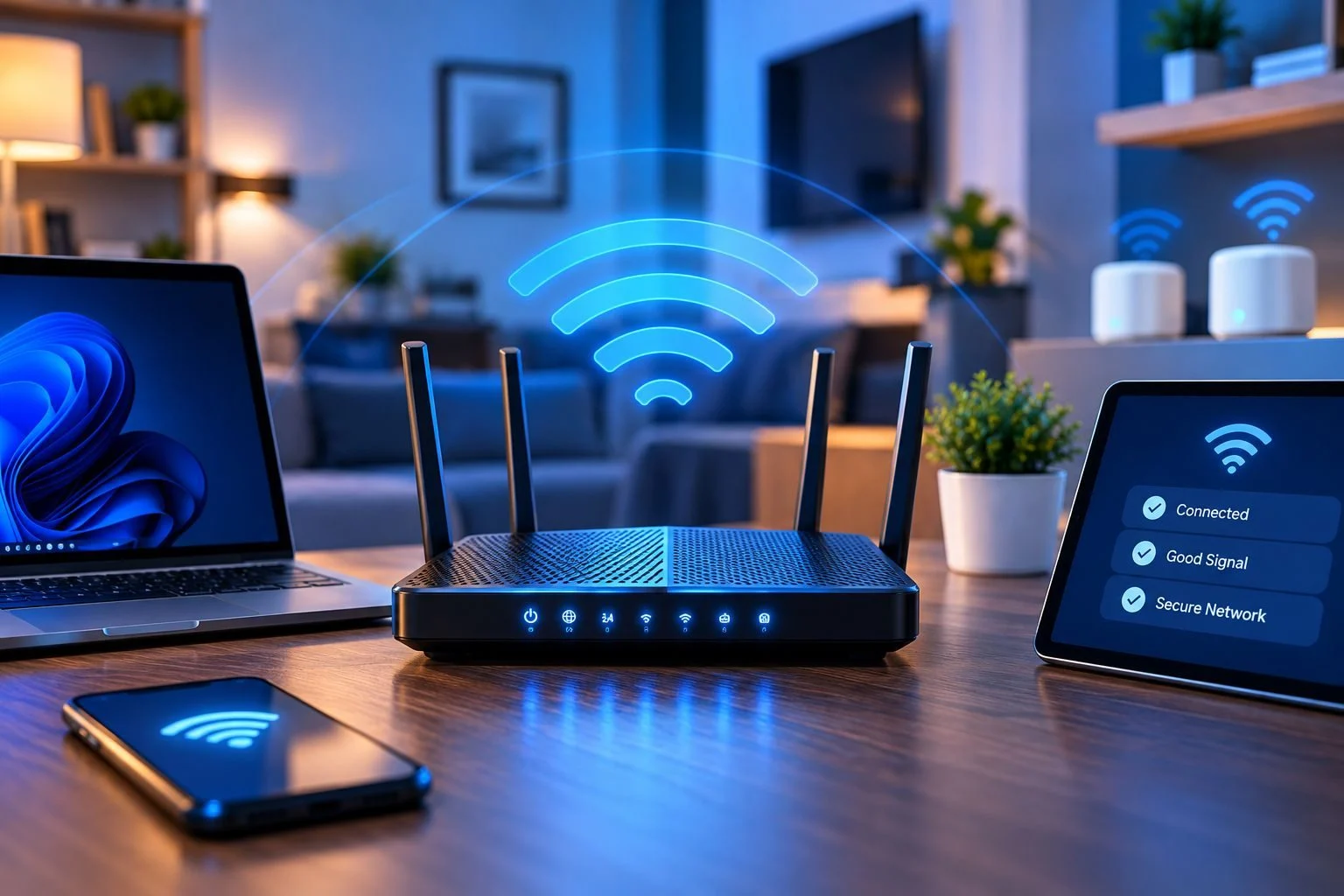
Is It Your Internet, Router, Wi-Fi or Device?

Before changing equipment, it helps to understand where the problem starts.

Internet Provider → Modem / Router → Wi-Fi Network → Your Device

A problem at any point can make it seem like “the Wi-Fi is broken.” But the solution can be completely different depending on where the failure actually is.

If Every Device Is Offline — The problem may be with the internet connection, modem/router or network rather than an individual computer.

If Wi-Fi Works in Some Rooms but Not Others — That points more toward a Wi-Fi coverage problem.

If Several Devices Keep Disconnecting — The network or internet connection needs to be investigated rather than assuming each device has its own problem.

If Only One Device Has Trouble — The network may be working correctly. That laptop or computer may need individual troubleshooting instead.

Finding that difference first can prevent unnecessary equipment changes.
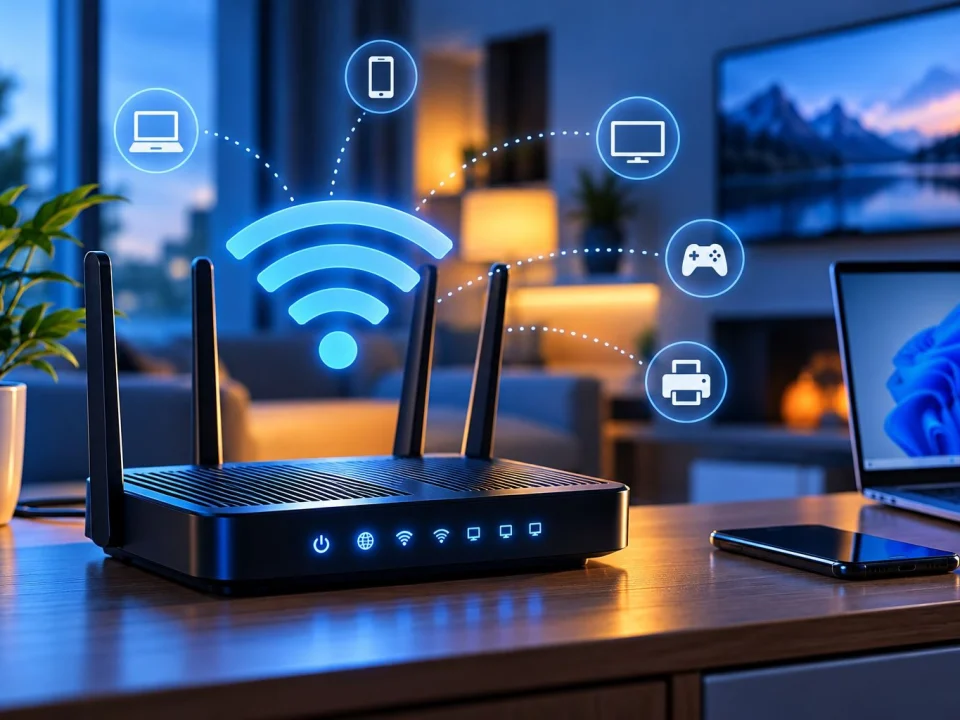
Connected to Wi-Fi but No Internet?

This is one of the most confusing network problems.

Your computer can successfully connect to your local Wi-Fi network while still being unable to reach the internet.

Connected to Wi-Fi ≠ confirmed working internet connection.

If this happens, the useful question is whether the problem affects one device, several devices, or everything connected to the network.

That gives us a much better starting point than simply replacing the router.

Could the Problem Be Your Internet Provider?

Sometimes the problem isn’t inside your home or business network.

If multiple devices suddenly lose internet access at the same time, the internet service itself may need to be checked.

This distinction matters because OnSiteTech can troubleshoot your devices, Wi-Fi and network setup, but an outage or service problem on your provider’s side may need to be handled by the internet provider.

Not every internet outage needs a new router.

And not every Wi-Fi problem needs a call to your internet provider.

The first step is working out which side of the connection the problem appears to be on.

Before You Buy a New Router, Wi-Fi Extender or Mesh System

Weak Wi-Fi often leads to one reaction: “I need better equipment.”

Maybe. But not always.

A new router won’t fix every internet problem. A Wi-Fi extender won’t fix a connection problem that affects the internet service itself. And a mesh system may be unnecessary if the real problem is one computer.

Before buying anything, ask:

  • Does the problem affect every device?
  • Does it happen everywhere or only in certain rooms?
  • Is the problem slow speed, weak signal or complete loss of internet?

Those answers help identify what problem you’re actually trying to solve.

Diagnose first. Buy second.
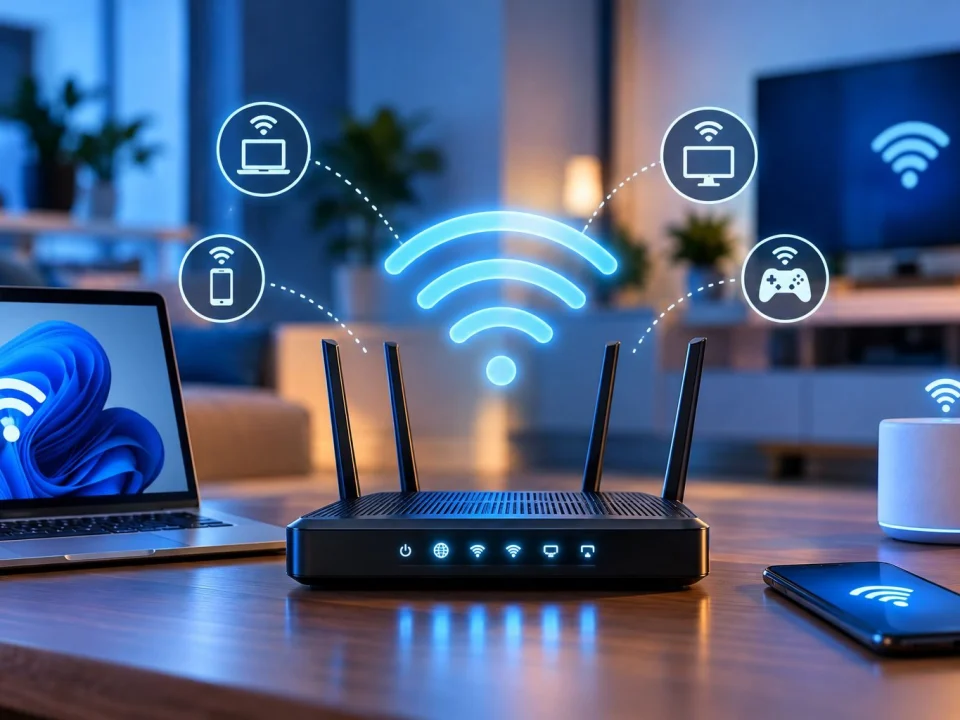
Weak Wi-Fi Signal & Dead Zones

If the connection is strong in one part of the building but weak or unreliable somewhere else, the problem may be Wi-Fi coverage.

This can show up as slow connections in certain rooms, devices dropping Wi-Fi as you move around, areas where the network is difficult to connect to, or places where Wi-Fi barely reaches.

But identifying a coverage problem does not automatically tell you which equipment to buy.

The existing network and where the problem occurs still matter.

Do You Need a Wi-Fi Extender or Mesh Wi-Fi?

Extenders and mesh systems are common options people consider when Wi-Fi does not reach where they need it.

But the better question is not: “Which one should I buy?”

It is: “Do I actually have a coverage problem?”

If the internet service itself is unstable, adding another Wi-Fi device may not solve it. If only one laptop is affected, changing the whole network may not solve it either.

If coverage really is the issue, then the existing setup and the areas that need better connectivity can be considered before deciding what changes make sense.

Fix the connection problem first. Don’t buy networking equipment until you know what problem you’re trying to solve.

Wi-Fi & Router Setup

Sometimes nothing is “broken.” You simply need the network set up correctly.

You may have changed your router, received different internet equipment, moved equipment, added a computer or device, or changed part of your existing network.

If the new setup isn’t working as expected, OnSiteTech can help troubleshoot the connection and configuration.

If possible, have the make and model of your router or relevant networking equipment available when you contact us.

That gives us a better starting point.

Slow Internet or Slow Wi-Fi?

They aren’t necessarily the same thing.

Your internet service is the connection delivered to your location. Wi-Fi is how many of your devices connect to that service.

So if everything feels slow, we want to know:

  • Does every device feel slow?
  • Is the connection slow only over Wi-Fi?
  • Does it become worse farther from the router?
  • Is one device much slower than the others?

Those differences help narrow down where the slowdown is happening.

Instead of starting with “Do I need faster internet?” start with “Where is my connection actually slowing down?”

One Computer Won’t Connect but Everything Else Works?

That changes the diagnosis.

If phones, TVs and other computers use the network normally but one laptop cannot connect, you may not have a whole-network problem.

The issue may be isolated to that computer.

In that situation, replacing the router or redesigning the Wi-Fi network could leave you with exactly the same problem.

For computer-specific connectivity problems, route toward Computer Repair Services or Laptop Repair.

Don’t rebuild a working network to fix one device.

What Wi-Fi & Network Problems Can We Help With?

OnSiteTech can help troubleshoot common Wi-Fi and network connection problems, including:

  • slow or unreliable Wi-Fi
  • weak Wi-Fi signal
  • Wi-Fi dead zones
  • devices that keep disconnecting
  • devices that cannot connect
  • connected Wi-Fi with no internet
  • router and Wi-Fi setup
  • connectivity after network changes
  • connecting computers and devices
  • determining whether a connection problem appears to be network-wide or device-specific

If the problem turns out to belong somewhere else, we can point you toward the more appropriate service rather than treating every issue as a Wi-Fi problem.

Home Wi-Fi or Business Network Problem?

Wi-Fi problems can happen in both homes and businesses.

At home, an unreliable connection can interrupt remote work, school, streaming and everyday device use.

In a business, connectivity problems can affect multiple computers and normal operations.

This page focuses on Wi-Fi and network connectivity problems.

If you need broader technology support for your business beyond the connection itself, see Business IT Support.

That keeps the problem on the right path instead of turning every business technology issue into a networking issue.

How Much Does Wi-Fi & Network Support Cost?

OnSiteTech’s standard home and business service rate is $99/hour, with equipment or parts separate where required.

The actual work depends on what is causing the connection problem and what needs to be changed or configured.

We explain the applicable work and pricing before proceeding.

Price approved before we start.

How Wi-Fi & Network Support Works

  1. Tell Us What’s Happening

    Slow Wi-Fi, dead zones, connection drops, no internet or a new router — start with the symptom.

  2. Tell Us What’s Affected

    One device? Several devices? Every device? Does it happen everywhere or only in certain areas?

  3. We Narrow Down the Problem

    We look at whether the symptoms point toward the internet connection, router/network, Wi-Fi coverage or an individual device.

  4. We Explain What We Find

    You know what the problem appears to be and what the next step involves.

  5. You Approve the Price

    We review the applicable work before proceeding.

  6. We Work on the Approved Problem

    The goal is to address the problem we identified instead of changing equipment based on a guess.

Wi-Fi Problem or Another IT Problem?

Not sure? Start with what’s happening. You don’t have to choose the perfect service yourself.

Wi-Fi & Network Support FAQ

Why is my Wi-Fi suddenly not connecting?

There can be several causes. First check whether the problem affects one device or everything on the network. That distinction helps determine whether to investigate the device, Wi-Fi/network or internet connection.

Why does my Wi-Fi say connected but there is no internet?

Your device can be connected to the local Wi-Fi network even when that network does not currently have working internet access. Wi-Fi connectivity and internet connectivity are related, but they are not the same thing.

Why does my Wi-Fi keep disconnecting?

The useful first question is whether every device disconnects or only one. Multiple affected devices point toward a different troubleshooting path than a problem isolated to one computer.

Why is my Wi-Fi weak in certain rooms?

If Wi-Fi works normally close to the router but becomes weak elsewhere, coverage may be part of the problem. Where the issue happens is an important clue before choosing additional equipment.

How can I get a stronger Wi-Fi signal throughout my home?

Start by confirming that coverage is actually the problem. Once that is clear, the existing setup and the areas with poor connectivity can be considered before deciding whether equipment or configuration changes are appropriate.

Do I need a Wi-Fi extender?

Not necessarily. An extender is intended to address certain coverage problems, but it will not solve every slow or unreliable internet connection. Diagnose the cause before buying additional hardware.

Is mesh Wi-Fi better than an extender?

They are different approaches to improving Wi-Fi coverage. Which approach makes sense depends on the actual coverage problem, existing equipment and the space that needs connectivity. There is no reason to choose either before confirming that coverage is the issue.

Why is my internet slow even though I pay for a fast plan?

The internet plan is only one part of the connection path. If the slowdown changes by device or location, Wi-Fi coverage, the local network or an individual device may also need to be investigated.

Should I replace my router if my Wi-Fi is slow?

Not based on slow Wi-Fi alone. First determine whether the slowdown affects every device and location and whether the problem is with the internet connection, Wi-Fi coverage, network setup or one device.

What if only my laptop won’t connect to Wi-Fi?

If other devices connect normally, the problem may be specific to the laptop rather than the whole network. Laptop troubleshooting may be the better starting point.

Can you help with a new router or Wi-Fi setup?

OnSiteTech can help with router and Wi-Fi setup and troubleshoot connection problems after network or equipment changes. Have the equipment model available when possible.

What should I have ready before booking?

Tell us what is happening, which devices are affected, where the problem occurs and, if possible, the make and model of the relevant router or networking equipment.

Stop Guessing What’s Wrong With Your Wi-Fi

Slow Wi-Fi doesn’t automatically mean you need faster internet.

A dead zone doesn’t automatically mean you need an extender.

And one laptop that won’t connect doesn’t automatically mean your router needs replacing.

Start with the problem. Find where the connection is failing. Then decide what actually needs to change.

  • Microsoft Certified
  • Price approved before we start
  • 30-day warranty
  • No fix, no labour charge

Your Computer Problem Doesn’t Have to Take Over Your Day.

You don’t need to know exactly what’s wrong. Tell us where you are and what’s happening.

Call Now Book Repair