
Laptop Screen Replacement That Starts With What You’re Seeing
A cracked screen is obvious.
Other display problems aren’t.
Maybe your laptop screen is black. Maybe it flickers, shows lines or strange colours, or only part of the display works.
Or maybe the laptop was dropped and you’re not sure what was damaged.
You don’t need to diagnose it yourself.
Tell us what you’re seeing. We’ll start by figuring out what the laptop actually needs.
If the screen needs replacing, the correct replacement needs to match your laptop — not just its screen size.
- Microsoft Certified
- Price approved before we start
- 30-day warranty
- No fix, no labour charge
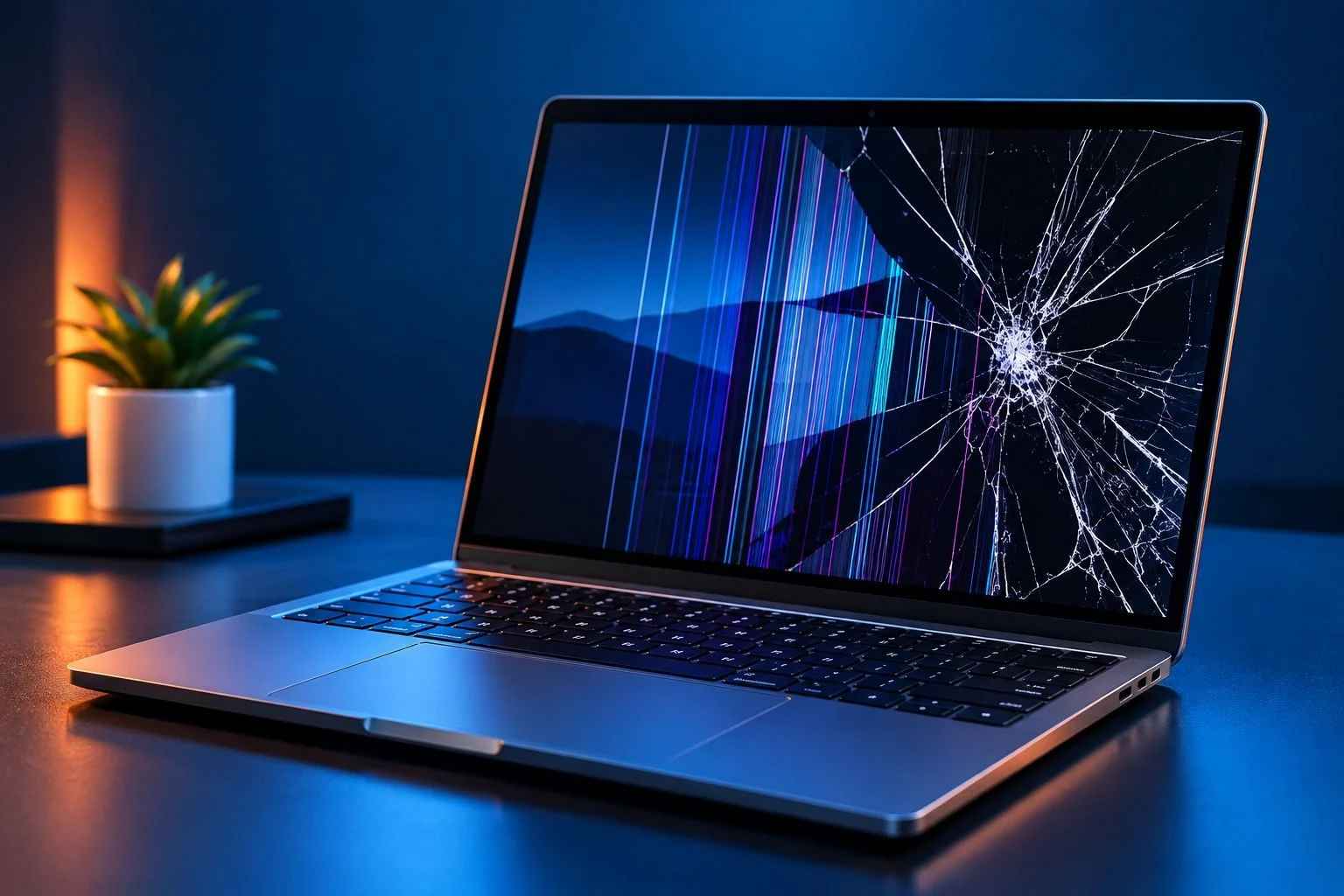
What’s Wrong With Your Laptop Screen?
- My Screen Is Cracked You can see cracks, impact marks, black areas or physical damage across the display.
- My Screen Is Black The laptop appears to turn on, but nothing appears on the built-in display.
- I See Lines or Strange Colours Vertical or horizontal lines, colour distortion or unusual patterns appear on the screen.
- My Screen Keeps Flickering The image flashes, cuts in and out or changes unexpectedly.
- Part of My Screen Doesn’t Work One section is dark, blank, distorted or difficult to see.
- My Screen Is Very Dim The image is there, but it’s unusually dark or difficult to see.
- The Laptop Was Dropped The display problem started after a fall, impact or other physical damage.
- I’m Not Sure What’s Wrong That’s okay. A display problem doesn’t automatically mean the screen itself needs replacing.
Does Your Laptop Screen Actually Need to Be Replaced?
That’s the first question worth answering.
A visibly cracked display may make screen damage obvious. A black screen doesn’t. Neither does flickering, lines or an intermittent image.
Different problems can create similar symptoms.
Diagnose First. Replace What Actually Needs Replacing.
We don’t want you ordering a screen simply because the laptop has a display problem.
First determine what’s wrong.
Then decide what repair makes sense.
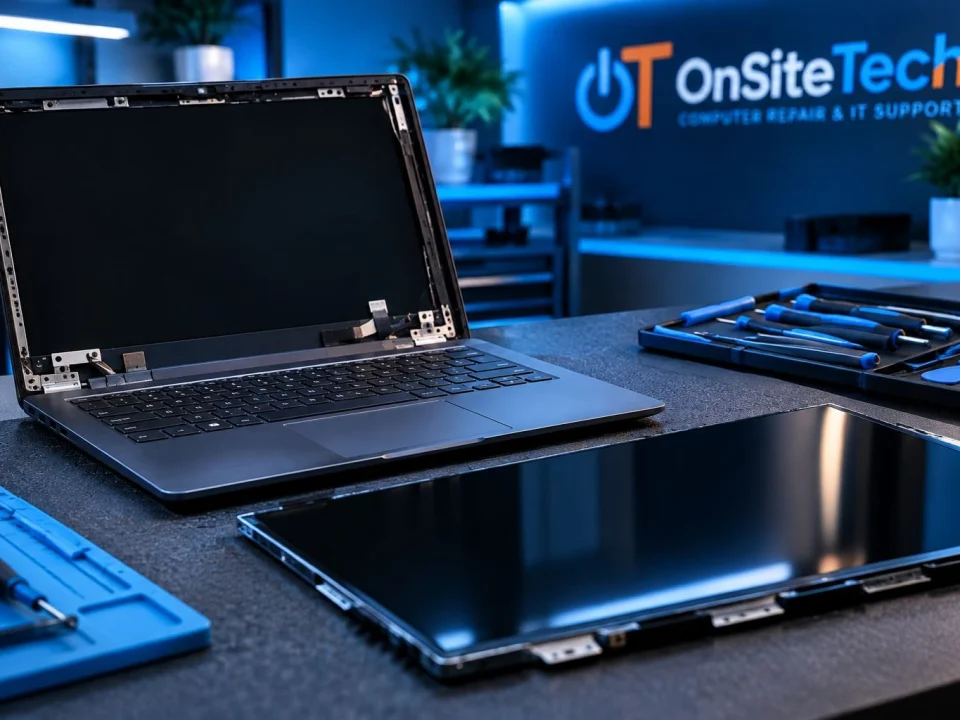
Before You Order a Screen, Find Your Exact Laptop Model
“15.6-inch screen” isn’t enough.
Neither is “HP laptop,” “Dell laptop,” or “Lenovo laptop.”
Laptop screens are not one-size-fits-all.
Even similar-looking laptops can require different displays.
Your Model Number Helps Identify the Right Screen
If you’re contacting us about a screen problem, having the exact laptop model available can make the next step easier.
Don’t buy based on screen size alone.
Laptop Turns On but the Screen Is Black?
Don’t order a new screen yet.
A black screen is a symptom, not a diagnosis.
If the laptop seems to power on but nothing appears on the built-in display, the problem needs to be narrowed down.
If the laptop itself isn’t starting properly, the problem may need general laptop diagnosis instead.
Cracked Laptop Screen?
A cracked screen may still show an image.
You might see cracks, black patches, coloured lines or damaged sections while the rest of the display continues working.
The important question isn’t simply: “Can I still use it?”
It’s: “What was damaged, and what will it take to repair it properly?”
If the damage happened after a drop, it’s also worth checking whether anything around the screen or laptop body was affected.
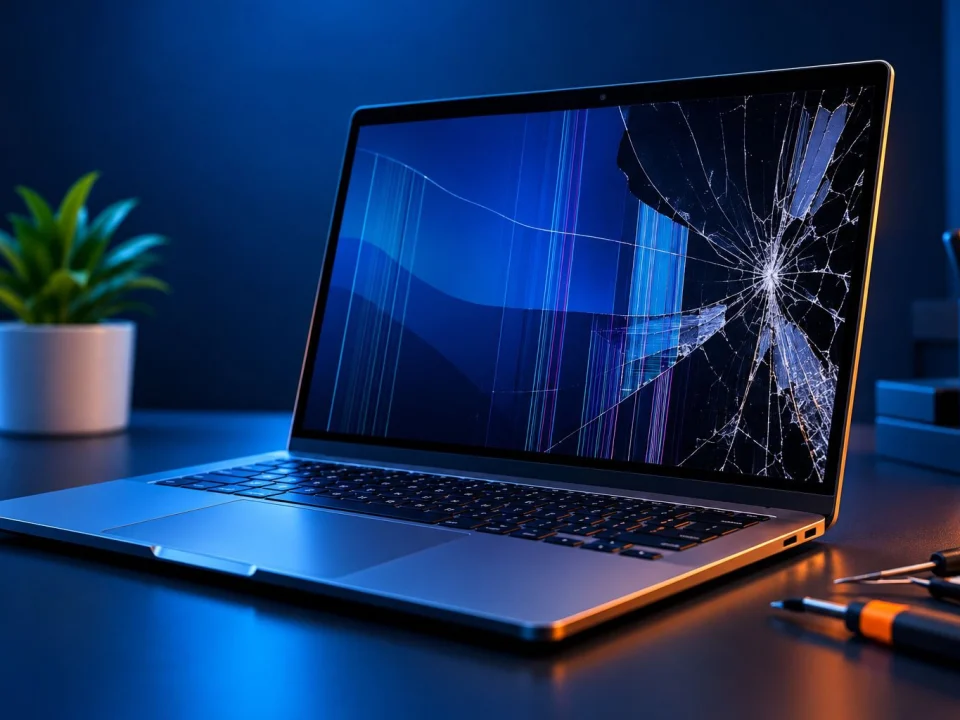
Seeing Lines, Flickering or a Dim Display?
Not every failed display goes completely black.
You might notice lines across the screen, flickering or flashing, strange colours, dark areas, a partially visible image, a very dim display, or an image that cuts in and out.
Those symptoms tell us what you’re seeing.
They don’t necessarily tell us which component has failed.
That’s why diagnosis comes before replacement.
What About Touchscreen Laptops?
Touchscreen display repairs can be more complicated than standard non-touch screens.
Depending on the laptop design, the display can involve multiple layers or a larger display assembly.
So a cracked touchscreen should not automatically be treated exactly like a conventional laptop screen.
The exact model and damage need to be identified first.
HP, Dell, Lenovo or Gaming Laptop?
The brand name alone isn’t enough to select a screen.
The exact model matters.
Gaming laptops can also use display specifications that make accurate matching especially important.
So instead of starting with: “I need a Dell screen,” start with: “This is my exact laptop model, and this is what the screen is doing.”
That gives us much more useful information.
Can I Replace My Laptop Screen Myself?
For some laptops, DIY screen replacement is possible.
But there are two separate questions:
Can it be done?
and
Should you do it yourself?
Before attempting DIY replacement, consider whether you can correctly identify the screen, safely disassemble the display area and reconnect everything without causing additional damage.
DIY May Not Be Worth the Risk If You’re Unsure
Especially if you aren’t sure the screen itself is the problem, you haven’t identified the exact replacement panel, the laptop has additional physical damage, the display is a more complex touchscreen assembly, or you simply don’t feel comfortable opening the laptop.
You don’t have to attempt the repair first before asking for help.
Already Found a Replacement Screen Online?
Check compatibility before ordering it.
A listing saying “15.6-inch laptop screen” doesn’t mean it fits every 15.6-inch laptop.
The exact model and display specifications still matter.
If you already purchased a screen, provide the laptop model and replacement part details when contacting us.
How Much Does Laptop Screen Replacement Cost?
There isn’t one honest price for every laptop screen replacement.
The total can depend on your exact laptop model, the display required, screen or assembly type, part availability and cost, the work involved, and any additional physical damage.
That’s why another person’s screen-replacement price doesn’t necessarily tell you what yours will cost.
OnSiteTech Pricing
OnSiteTech’s standard home and business service rate is $99 per hour for normal service.
Required parts are separate from labour and depend on the laptop and repair.
Price is approved before work begins.
Is It Worth Replacing the Screen — or the Laptop?
This can be more important than the repair itself.
A broken screen doesn’t automatically mean you should buy a new laptop.
But an old laptop doesn’t automatically deserve a new screen either.
Screen Replacement May Make Sense When...
The laptop otherwise works well. It still does what you need. The display is the main problem. And the overall repair cost makes sense compared with replacing the computer.
Replacing the Laptop May Be Worth Considering When...
The laptop already has several other problems. Its performance no longer meets your needs. The required display makes the repair disproportionately expensive. Or fixing the screen would still leave you with a computer you’re unhappy with.
The goal isn’t to sell a screen replacement at any cost.
It’s to determine whether repairing this laptop makes sense.
What Happens When You Ask OnSiteTech About a Laptop Screen?
-
1
Tell Us What You’re Seeing
Cracked. Black. Flickering. Lines. Dim. Damaged after a drop. Or simply: “I’m not sure.” That’s enough to start.
-
2
Identify the Laptop
The exact model helps determine the display configuration and replacement requirements.
-
3
Confirm the Problem
We determine whether the symptoms point to a screen replacement or whether another laptop issue needs attention.
-
4
Identify the Appropriate Replacement
If the screen needs replacing, the replacement must match the laptop’s requirements.
-
5
Review the Repair and Pricing
You know the recommended work and applicable pricing before approved work begins.
-
6
Complete and Check the Approved Repair
When screen replacement is the appropriate repair, the approved work is completed and the display is checked afterward.
What Should I Have Ready When I Contact You?
You don’t need to know the screen part number.
If possible, have your laptop brand, exact model number, a description of what the screen is doing, and what happened before the problem started.
For visible damage, a photo can also help communicate what you’re seeing.
That gives us a much better starting point than: “I need a 15-inch screen.”
Laptop Screen Replacement or Laptop Repair?
Use Laptop Screen Replacement when the problem appears to involve a damaged or failed display.
Use Laptop Repair when the laptop won’t start, freezes, crashes, overheats, won’t charge or has another broader problem.
Not sure which one you need?
You don’t have to choose perfectly.
Tell us what the laptop is doing.
Laptop Screen Replacement FAQ
How do I know if my laptop screen needs to be replaced?
Visible cracks or physical display damage can make the problem more obvious. But black screens, flickering, lines and intermittent display problems can have different causes. Diagnosis should come before ordering a replacement screen.
Can a cracked laptop screen be replaced?
A damaged display can often be replaced when an appropriate compatible part is available and the rest of the laptop makes the repair practical. The exact laptop and extent of damage still matter.
My laptop screen is black. Do I need a new screen?
Not necessarily. A black screen is a symptom, not a diagnosis. The laptop and display need to be checked before assuming the screen itself has failed.
My laptop screen has lines. Does that mean the screen is broken?
Not automatically. Lines are useful diagnostic information, but the symptom by itself doesn’t establish which component is responsible.
Why is my laptop screen flickering?
Flickering can have different causes. If the image flashes, cuts out or changes when the laptop is moved, the problem should be diagnosed before deciding that the screen needs replacing.
Can I replace my laptop screen myself?
Sometimes. Difficulty varies significantly between laptop models. You also need the correct replacement display and appropriate tools and skills. DIY repair can introduce additional damage if something goes wrong.
How do I know which laptop screen to buy?
Start with the exact laptop model. Screen size alone is not enough. Compatibility can also involve factors such as resolution and connector type.
Are all 15.6-inch laptop screens the same?
No. Matching diagonal screen size alone does not establish compatibility. The exact laptop and display specifications need to be considered.
How much does it cost to replace a laptop screen?
It depends on the laptop, required display, part cost and work involved. OnSiteTech’s standard home and business labour rate is $99 per hour for normal service, with required parts priced separately.
Is it worth repairing a laptop screen?
It depends on the repair cost and the condition and usefulness of the laptop overall. If the computer otherwise works well and still meets your needs, screen replacement may make sense. If the laptop already has several major limitations, replacement may deserve consideration.
Can HP, Dell or Lenovo laptop screens be replaced?
Replacement depends on the exact laptop model, display configuration, part availability and the nature of the damage. The brand name by itself isn’t enough to determine the correct screen.
Can a gaming laptop screen be replaced?
It depends on the exact laptop and display. Gaming laptops can use different display specifications, so compatibility should be determined from the exact model rather than screen size alone.
A Broken Screen Doesn’t Automatically Mean You Need a New Laptop
And a black screen doesn’t automatically mean you need a new screen.
Start with what you’re seeing:
Cracked.
Black.
Flickering.
Lines.
Dim.
Damaged after a drop.
Or simply: “I don’t know what’s wrong.”
You don’t need to diagnose it first.
We’ll start with the problem and determine what the laptop actually needs before approved work begins.
- Microsoft Certified
- Price approved before we start
- 30-day warranty
- No fix, no labour charge
