Skip to content

Microsoft Certified · 7 Days · 9 AM–8 PM

403-333-4133

Printer Setup & Support for Printers That Won’t Connect or Print

New printer to set up?

Printer offline, not connecting to Wi-Fi or not showing on your computer?

You don’t need to figure out whether the problem is the printer, computer, Wi-Fi, Windows or printer software before asking for help.

OnSiteTech starts with what’s happening, identifies where the setup or connection is failing, and helps get your printer working with the devices you use.

  • Microsoft Certified
  • Price approved before we start
  • 30-day warranty
  • No fix, no labour charge

Setting Up a New Printer?

A new printer isn’t always ready to use just because it is plugged in and turned on.

It may still need to communicate with your computer or network and be configured correctly before you can actually print.

OnSiteTech can help with printer setup tasks such as connecting the printer, adding it to the computer, installing the appropriate printer software or driver, checking the connection and testing the setup.

You may also be replacing an older printer and wondering what needs to stay, what needs to change and which printer your computer should use.

You don’t have to work through all of that yourself.

Start with the printer you bought and the devices you want to print from.
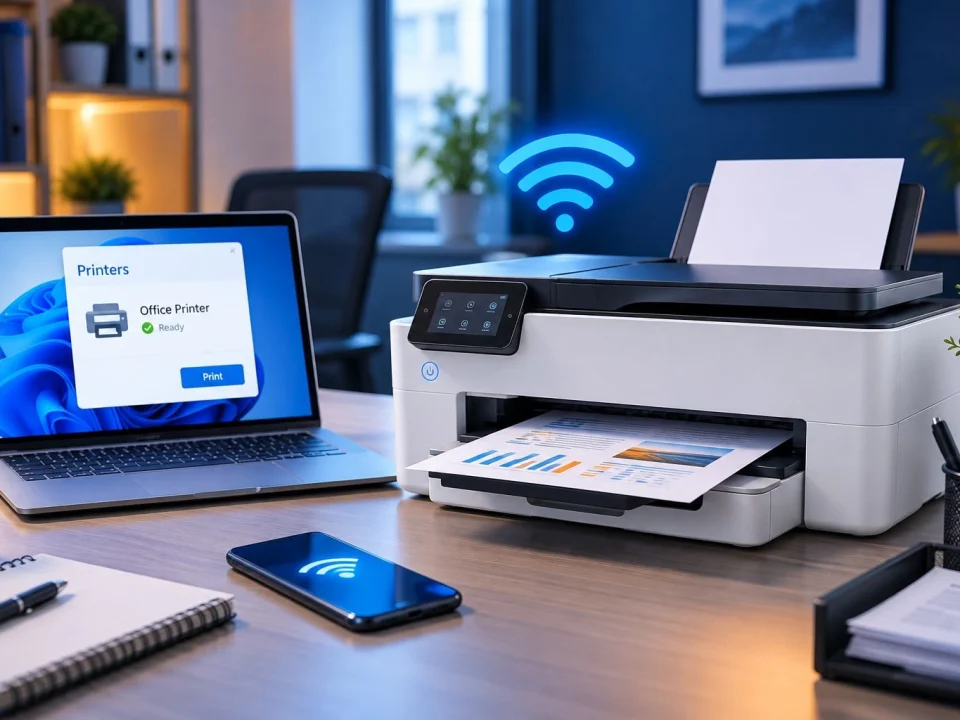
Is the Problem Your Printer, Computer, Wi-Fi or Windows?

A printer that won’t print is not automatically a broken printer.

Printing depends on several things working together:

Printer → Connection → Network → Computer → Driver / Windows → Print Queue

A failure anywhere along that path can produce similar symptoms.

Your printer may be working but no longer connected correctly. Your computer may not be detecting it. The printer may be connected to Wi-Fi while the computer still cannot communicate with it. Windows may have the wrong printer selected. Or a print job may be stuck before it ever reaches the printer.

That’s why the first question shouldn’t automatically be: “Do I need another printer?”

It should be: “Where is the printing process actually failing?”

Find the cause first. Fix what actually needs fixing.

Computer Can’t Find Your Printer?

This is one of the most common reasons people start looking for printer support.

The printer is sitting right there. It has power. But the computer acts as though it doesn’t exist.

That doesn’t immediately tell us which device is responsible. The issue may involve how the printer is connected, the network, Windows or the printer software.

There’s another useful clue: Can another computer or device see the printer?

If several devices cannot reach it, we investigate differently than when the problem affects only one computer.

That distinction helps avoid changing a working network or printer to solve a problem isolated to one device.

Printer Says Offline or Won’t Print?

An Offline message tells you that the computer isn’t communicating with the printer as expected. It doesn’t necessarily tell you why.

Similarly, a printer can appear installed and still refuse to print.

Common symptoms include:

  • Printer shows Offline
  • Documents stay in the print queue
  • Nothing happens after clicking Print
  • Printer disappears from the computer
  • Printing suddenly stops working
  • One computer prints but another doesn’t
  • The wrong printer appears to be selected

Repeatedly restarting or reinstalling everything may occasionally change the symptom without identifying the underlying problem.

The better approach is to find where communication has stopped.
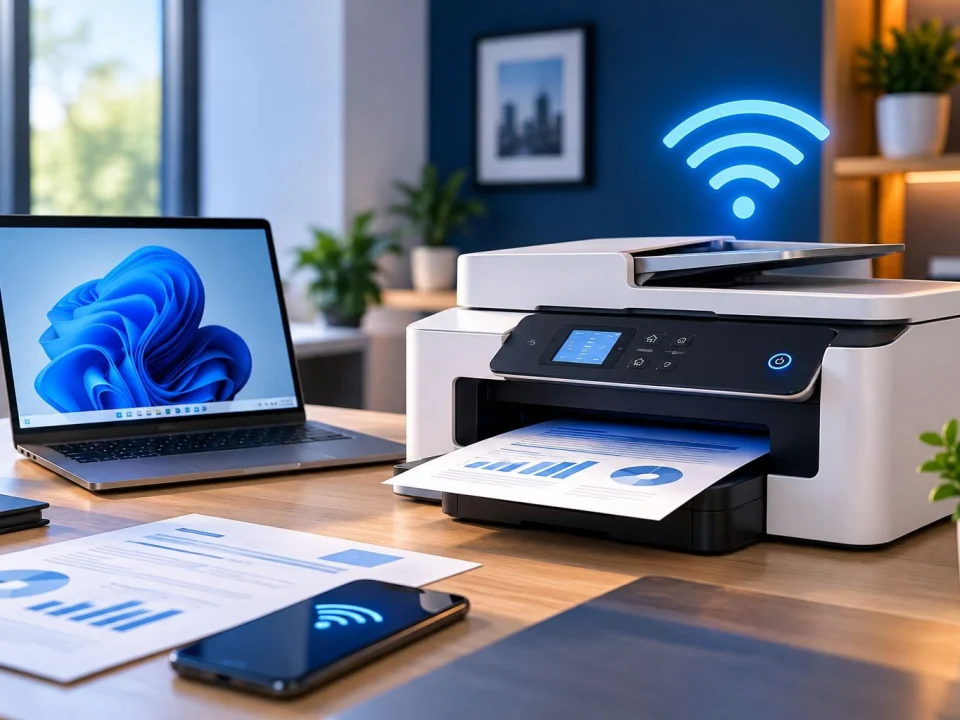
Printer Won’t Connect to Wi-Fi?

Wireless printer problems sit between two different services: the printer and the network.

If only your printer is having trouble while your computers, phones and other devices use Wi-Fi normally, start with Printer Setup & Support.

If multiple devices are also losing Wi-Fi, have weak signal or cannot access the network reliably, the wider problem may belong under Wi-Fi & Network Support.

A new printer won’t repair a bad Wi-Fi network. And changing your whole network may be unnecessary if the printer is the only device with a problem.

Replacing an Old Printer With a New One?

There isn’t one answer that applies to every computer when deciding whether to uninstall an old printer first.

The important goal is getting the new printer configured correctly and making sure your computer sends documents to the printer you actually want to use.

If you’re replacing an existing printer, tell us:

Old printer → New printer → Computer → How you want to connect

We can start from the setup you already have instead of removing things blindly.

Printer Stopped Working After a Change?

Sometimes the most useful clue is not the error message. It’s what happened immediately before the problem started.

Did you get a new computer, replace your router, change your Wi-Fi network, install a new printer, make a Windows change, move the printer, or remove/reinstall printer software?

Tell us. Even when the change seems unrelated, it can help narrow down where the connection stopped working.

Before You Replace Your Printer

If the printer won’t connect or your computer cannot find it, buying another printer may seem easier.

But a replacement printer still needs to connect to the same computer and network. If the underlying problem belongs to Windows, the network or the setup, replacing the printer may leave you with another printer that still won’t work correctly.

At the same time, we don’t assume every printer should be kept indefinitely.

The sensible decision starts with identifying what is actually wrong.

Diagnose the problem before replacing equipment.

What Printer Information Should You Have Ready?

Printer brand and exact model — Look for the model printed on the printer or its label.

What you print from — Desktop, laptop or another device.

What happens when you try to print — Offline, not found, nothing happens, connection fails or another message.

How the printer connects — Wi-Fi or USB, if you know.

What changed recently — New computer, router, Wi-Fi, printer or Windows change.

Don’t know some of those details? That’s fine. Start with what you can see.

What Printer Setup & Support Covers

  • New printer setup
  • Adding a printer to a computer
  • Wireless printer setup
  • Printer connection troubleshooting
  • Printer not detected by the computer
  • Printer Offline problems
  • Printer software and driver setup
  • Print queue troubleshooting
  • Reconnecting a printer after network changes
  • Connecting a replacement printer
  • Determining whether the problem appears to be the printer, computer or network

How Much Does Printer Setup & Support Cost?

OnSiteTech’s standard home and business service rate is $99/hour.

The amount of work depends on what you need. Setting up a new printer is different from troubleshooting a printer that disappeared from a network or stopped communicating with Windows.

Parts or additional equipment are separate where required.

The applicable price is reviewed before approved work begins.

How Printer Setup & Support Works

  1. Tell Us What You’re Trying to Do

    New printer? Offline printer? Computer can’t find it? Wi-Fi connection problem?

  2. Tell Us What You’re Using

    The printer model, computer and current connection give us useful context.

  3. Identify Where the Problem Is

    Narrow toward printer setup, connection, network, computer, Windows/driver or print queue.

  4. Explain the Next Step

    You know what the problem appears to be and what work is appropriate.

  5. Review the Price

    Applicable price is reviewed before approved work begins.

  6. Test the Printer

    The goal isn’t simply to make the printer appear on the computer. The goal is to confirm that you can actually print.

Printer Problem, Wi-Fi Problem or Computer Problem?

Still unsure? Tell us what isn’t working. You don’t have to choose the perfect service yourself.

Printer Setup & Support FAQ

Who can help me set up my printer?

OnSiteTech can help with printer setup where the work involves getting the printer connected and working with your computer or network. Start with your printer model and the devices you want to use.

Can I hire someone to set up my printer?

Yes. You don’t need to wait until the printer breaks. If you have a new or replacement printer and want help getting it connected and ready to use, printer setup is part of this service.

Is it difficult to install a new printer?

It depends on the printer and setup. Some installations are straightforward, while others involve Wi-Fi, Windows, drivers or an existing printer configuration.

How do I get my computer to recognize my printer?

First determine whether the computer and printer are connected as expected. If it’s a wireless printer, the network also matters. Windows and the printer software may need to be checked if the computer still cannot detect it.

Why is my computer suddenly not recognizing my printer?

A printer that previously worked can stop being detected after a connection, network, software or Windows change. What changed immediately before the problem started can be an important diagnostic clue.

Why does my printer say Offline?

Offline generally means the computer cannot currently communicate with the printer as expected. The underlying reason may still involve the connection, network or computer configuration.

Why is my printer connected to Wi-Fi but not printing?

Joining Wi-Fi is only part of the path. The computer still needs to communicate with the printer correctly and send the print job successfully.

Why can't my computer find my printer on the network?

The printer and computer need to be able to communicate through the network. If other devices also have network problems, the wider Wi-Fi setup may need troubleshooting.

Should I uninstall my old printer before installing a new one?

Not automatically. It depends on the existing setup. The priority is installing the new printer correctly and making sure the computer uses the intended printer.

Can you help connect a wireless printer?

Yes, where the problem involves setting up or troubleshooting the printer’s connection with the computer or network. If the wider Wi-Fi network itself is failing across several devices, Wi-Fi & Network Support may be the better route.

How much does printer setup and support cost?

OnSiteTech’s standard home and business service rate is $99/hour, with parts or additional equipment separate where required. Applicable pricing is reviewed before approved work begins.

What should I have ready before booking?

If possible, have the printer brand and exact model, the computer you want to use, how the printer currently connects and a description of what happens when you try to print.

Your Printer Doesn’t Have to Stay Offline

Maybe it’s a brand-new printer that needs setting up.

Maybe your computer suddenly stopped finding the printer you’ve used for years.

Or maybe everything looks connected but nothing happens when you click Print.

You don’t have to determine whether the problem is the printer, Wi-Fi, Windows, driver or computer first.

Start with what’s happening. We’ll start there too.

Your Computer Problem Doesn’t Have to Take Over Your Day.

You don’t need to know exactly what’s wrong. Tell us where you are and what’s happening.

Call Now Book Repair