
Smart Home Setup That Starts With What You Want to Connect
Bought a smart device but can’t get it connected or working the way you expected?
Maybe the app can’t find it. The device won’t connect to Wi-Fi. It keeps showing offline. You changed your router and your devices stopped responding. Or you simply want help adding something new to your existing setup.
OnSiteTech provides smart home setup and connection help for compatible smart devices.
You don’t need to figure out whether the problem is the device, app, Wi-Fi or setup before asking for help.
Tell us what you’re trying to connect. We’ll start there.
- Microsoft Certified
- Price approved before we start
- 30-day warranty
- No fix, no labour charge
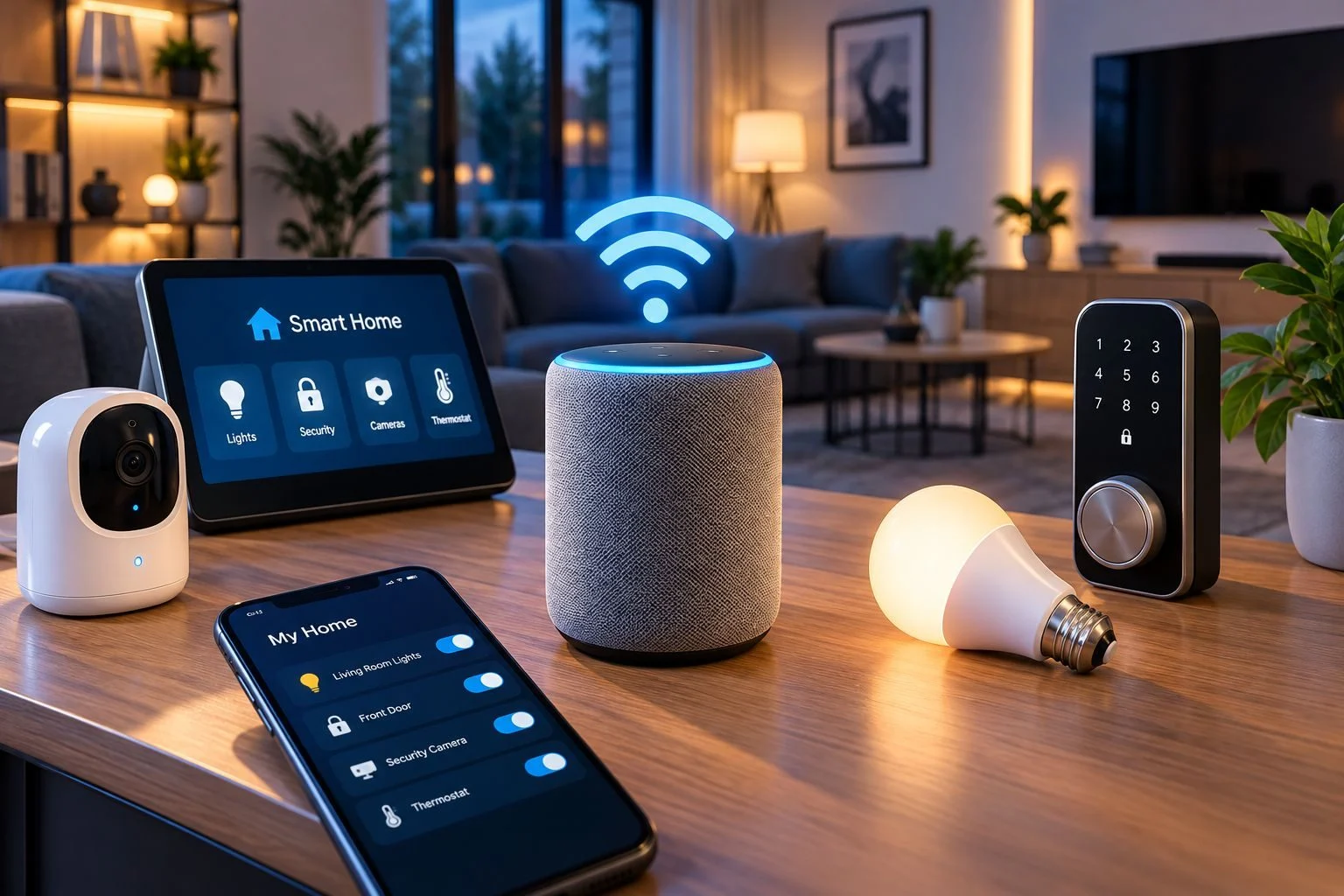
What Are You Trying to Set Up?
You don’t need to know the technical cause. Start with what you’re trying to do — or what isn’t working.
- I Bought a New Smart Device You have a new device and need help getting it connected and configured. Help Me Set Up My Device
- My Smart Device Won’t Connect The device won’t connect, the app can’t find it or setup keeps failing. Help Me Connect My Device
- My Device Shows Offline It worked before but has disconnected or stopped responding. Troubleshoot My Smart Device
- I Changed My Router or Wi-Fi Your smart devices stopped working after a router, network name or Wi-Fi password change. Help Me Reconnect My Devices
- I Want to Add Another Smart Device You already have connected devices and want help adding something new to your existing setup. Help Me Add a Device
- I’m Not Sure What’s Wrong You know what you want the device to do. You just don’t know why it isn’t working. That’s enough to get started. Tell Us What’s Happening
Setting Up a New Smart Device?
Buying the device is only the first step.
Depending on the product, setup may involve connecting it to your home network, adding it through an app, pairing the device and configuring supported features.
Some devices also work with a broader smart-home platform, while others mainly use their own app.
That distinction matters. Devices, apps and smart-home platforms are separate parts of the setup, so a setup problem doesn’t automatically mean the physical device is faulty.
If something goes wrong, you might find that:
- The app can’t find the device
- The device won’t connect
- Setup keeps failing
- The device appears offline
- The device works in one app but not as expected elsewhere
- The device stopped working after a network change
Instead of repeatedly resetting everything, start by finding out where the setup is breaking down.
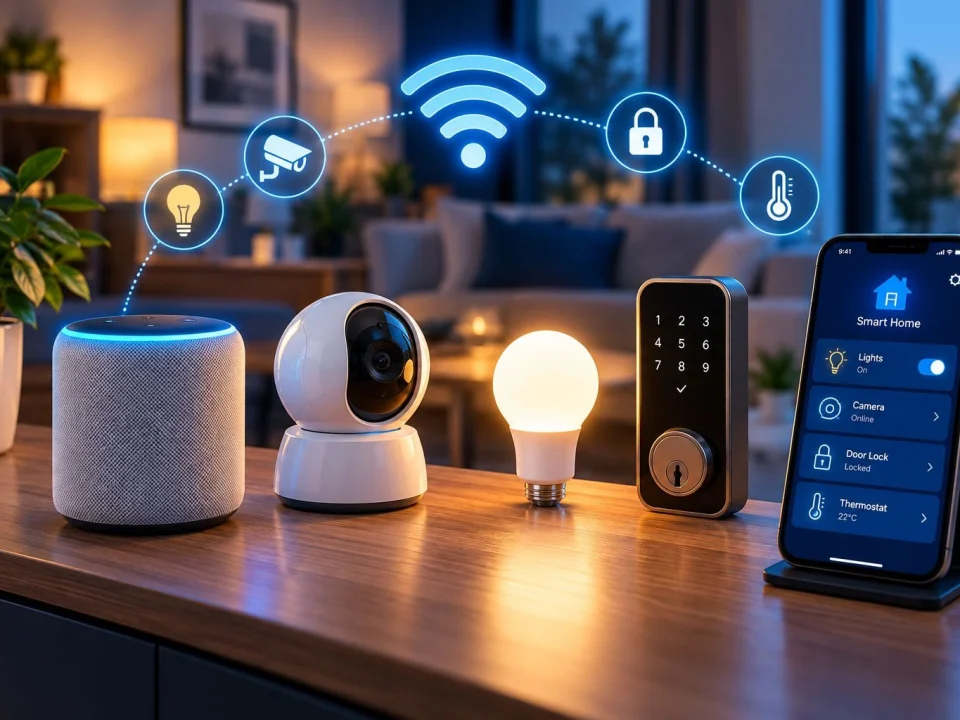
Smart Device Won’t Connect?
A smart device that won’t connect is not automatically a bad device.
The problem may involve the device itself, its app or configuration, or the connection between the device and your home network.
That means replacing the device may not solve a network problem — and changing the router may not solve an app or pairing problem.
OnSiteTech starts with what the device is doing and works to narrow down where the problem appears to be.
Diagnose the connection first. Decide what needs changing second.
Is It the Device, App or Wi-Fi?
One smart device won’t connect? Start with the device and its setup.
The app can’t find the device? The setup or pairing process may need attention.
The device keeps showing offline? Both the device setup and its network connection may need to be considered.
Several devices are losing Wi-Fi? That starts looking less like one smart-device problem and more like a network problem.
Wi-Fi is weak or unreliable in parts of the home? That belongs under Wi-Fi & Network Support.
You shouldn’t have to guess which service you need. Start with what isn’t working.
Changed Your Router, Wi-Fi Name or Password?
A smart device can work perfectly until something changes on the network.
If you replace your router, change your Wi-Fi network name or update the Wi-Fi password, previously connected devices may stop responding.
Some devices may reconnect easily. Others may need to be connected to the network again or reconfigured through their app.
If your smart-home devices worked before a network change and stopped afterward, tell us:
What changed?
Which devices stopped working?
That gives us a much better place to start.
If the problem affects Wi-Fi throughout your home rather than individual smart devices, see Wi-Fi & Network Support.
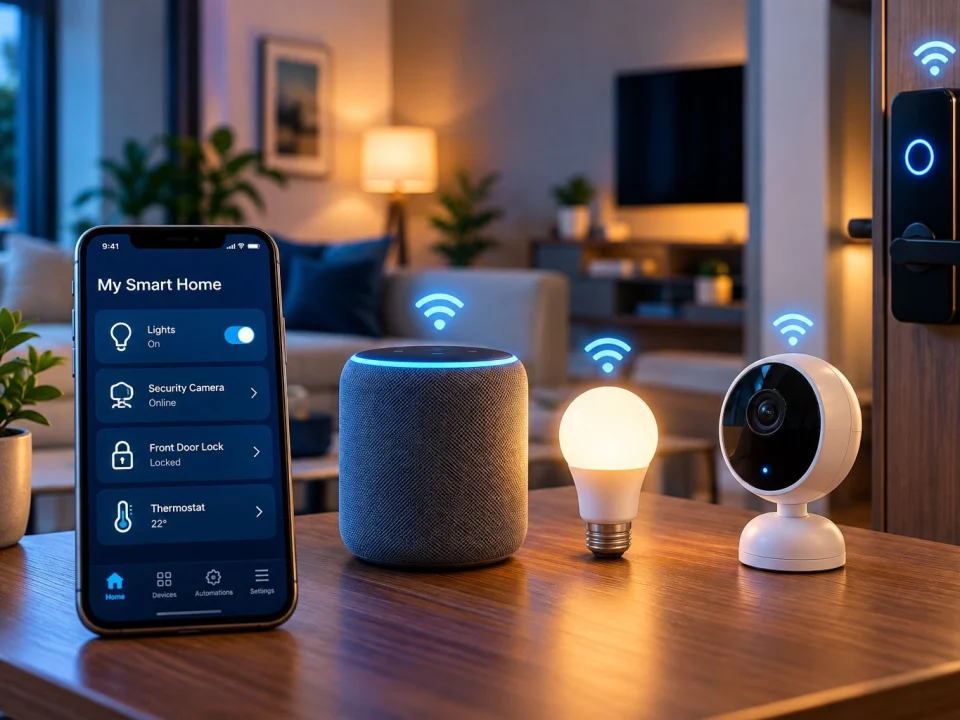
Adding a Device to an Existing Smart Home?
You don’t have to build an entire smart home at once.
People often begin with one or two devices and add more over time.
But adding another device can introduce new questions.
Does it connect to your existing network?
Which app does it use?
Is it compatible with what you already have?
Does it need something else to work the way you expect?
If you already have smart devices working, tell us what you use now and what you’re trying to add.
You shouldn’t have to rebuild a working setup just because you’re adding one more device.
Before You Buy Another Smart Device
A product being labelled “smart” doesn’t automatically mean it will work the way you expect with everything already in your home.
Different products can have different app, account, platform and connection requirements.
Before buying another device, it helps to answer three questions:
What smart-home equipment do I already use?
What do I want the new device to do?
What does the new device need to work with?
Checking those things first can help avoid buying equipment that doesn’t fit the setup you expected.
Do You Need a Smart Home Hub?
Not necessarily.
Some smart devices connect through your home network and their own app without requiring a separate hub.
Other setups may use a hub or smart-home platform to bring compatible devices together.
So instead of asking: “Does every smart home need a hub?”
Ask: “Does what I want to set up require one?”
Don’t add another piece of equipment just because you think every smart home is supposed to have it.
What Can Smart Home Setup Help With?
Depending on the device and existing setup, OnSiteTech can help with:
- Setting up compatible smart devices
- Connecting smart devices to the home network
- Device pairing and app setup
- Troubleshooting devices that won’t connect
- Troubleshooting smart devices that appear offline
- Reconnecting devices after router or Wi-Fi changes
- Adding compatible devices to an existing setup
- Basic configuration of supported device features
- Identifying whether a problem appears to involve the device, app/setup or home network
- Helping you understand the basic use of the configured setup
Compatibility and setup requirements depend on the specific device.
If the underlying problem is with your home network rather than the smart device, Wi-Fi & Network Support is the better service path.
Smart Home Setup or Wi-Fi & Network Support?
- One smart device won’t connect? Smart Home Setup
- A new smart device needs to be connected and configured? Smart Home Setup
- A smart device stopped working after a router change? Start with Smart Home Setup.
- Several devices keep losing Wi-Fi? Wi-Fi & Network Support
- Your home has weak Wi-Fi or dead zones? Wi-Fi & Network Support
- Your router or entire home network is causing problems? Wi-Fi & Network Support
Still not sure? Tell us what you’re seeing.
You don’t need to choose the service perfectly before asking for help.
Need More Than Smart Device Setup?
Smart device setup and whole-home automation are not necessarily the same service.
Some projects can involve electrical work, hardwired equipment, security systems or larger integrated home-automation systems.
Those requirements depend on the particular project.
Start by telling us what device or setup you need help with.
We can determine whether it fits the Smart Home Setup service rather than assuming you need a larger home-automation project.
How Much Does Smart Home Setup Cost?
The standard OnSiteTech on-site home and business labour rate is:
$99/hour
If parts or additional equipment are required, those costs are separate.
Applicable pricing is reviewed before approved work begins.
For labour, travel and other applicable pricing details:
How Smart Home Setup Works
-
1
Tell Us What You’re Trying to Connect
Tell us what device you have, what you want it to do and what is happening.
-
2
We Look at the Relevant Setup
That may include the device, its app or configuration and the relevant network connection.
-
3
We Narrow Down the Problem
We work to identify whether the issue appears to involve the device, setup, app or home network.
-
4
You Approve the Work
Applicable pricing is reviewed before approved work begins.
-
5
We Check the Setup
The approved setup work is completed and the relevant connection or configuration is checked. Where applicable, we can also walk you through the basic use of the configured setup.
Frequently Asked Questions About Smart Home Setup
Can I hire someone to set up my smart home devices?
Yes. If you have a compatible smart device and need help getting it connected or configured, OnSiteTech can help with supported smart-device setup and troubleshooting.
Why won’t my smart device connect to Wi-Fi?
There isn’t one universal cause. The problem may involve the device, its app or configuration, or the home network.
If several devices are having Wi-Fi problems rather than one smart device, Wi-Fi & Network Support may be the better starting point.
Can you help if my smart device says offline?
Yes. A device showing offline gives us a symptom to start with. The next step is determining whether the issue appears to involve the device, its setup or its network connection.
Can you reconnect smart devices after I change my router?
A router, Wi-Fi name or password change can require previously connected devices to be reconnected or configured again.
Tell us what changed and which devices stopped working.
Can you add a new device to my existing smart home?
OnSiteTech can help with supported compatible-device setup. Whether a particular product works with your existing setup depends on the specific device and technology involved.
Do I need a hub to set up a smart home?
Not always. Some devices connect through Wi-Fi and an app without a separate hub, while other setups use one to coordinate compatible devices.
Can different smart-home brands work together?
Sometimes. Compatibility depends on the specific products, platforms and connection technologies involved.
Check the actual devices rather than assuming that every smart product will work with every other smart product.
Can smart devices work without the internet?
It depends on the device and how it is designed. Some functions may operate locally, while other features can depend on internet access or cloud services.
The requirements should be checked for the specific device.
Should I replace a smart device that won’t connect?
Not automatically.
A connection problem alone doesn’t establish that the device itself has failed.
Checking the device, setup and relevant network connection first can help determine what actually needs attention.
How much does smart home setup cost?
The standard OnSiteTech on-site home and business labour rate is $99/hour.
Parts or additional equipment, where required, are separate. See On-Site Repair Pricing for complete applicable pricing details.
Your Smart Device Doesn’t Have to Be Your Diagnosis
A new device that won’t set up.
A device that suddenly shows offline.
Smart-home equipment that stopped working after you changed your Wi-Fi.
Or something you simply can’t get working the way you expected.
You don’t need to know whether the problem is the device, app, Wi-Fi or setup before asking for help.
Tell us what you’re trying to connect and what’s happening.
- Microsoft Certified
- Price approved before we start
- 30-day warranty
- No fix, no labour charge
