
LAPTOP LIQUID DAMAGE REPAIR · CALGARY
Spilled Water or Coffee on Your Laptop? Start Here.
Turn it off, disconnect power if it’s safe to do so, and avoid repeatedly testing or charging it.
Then tell us what happened.
You don’t need to diagnose the damage or know which repair to book.
Computer and laptop liquid-damage help for homes and businesses in Calgary.
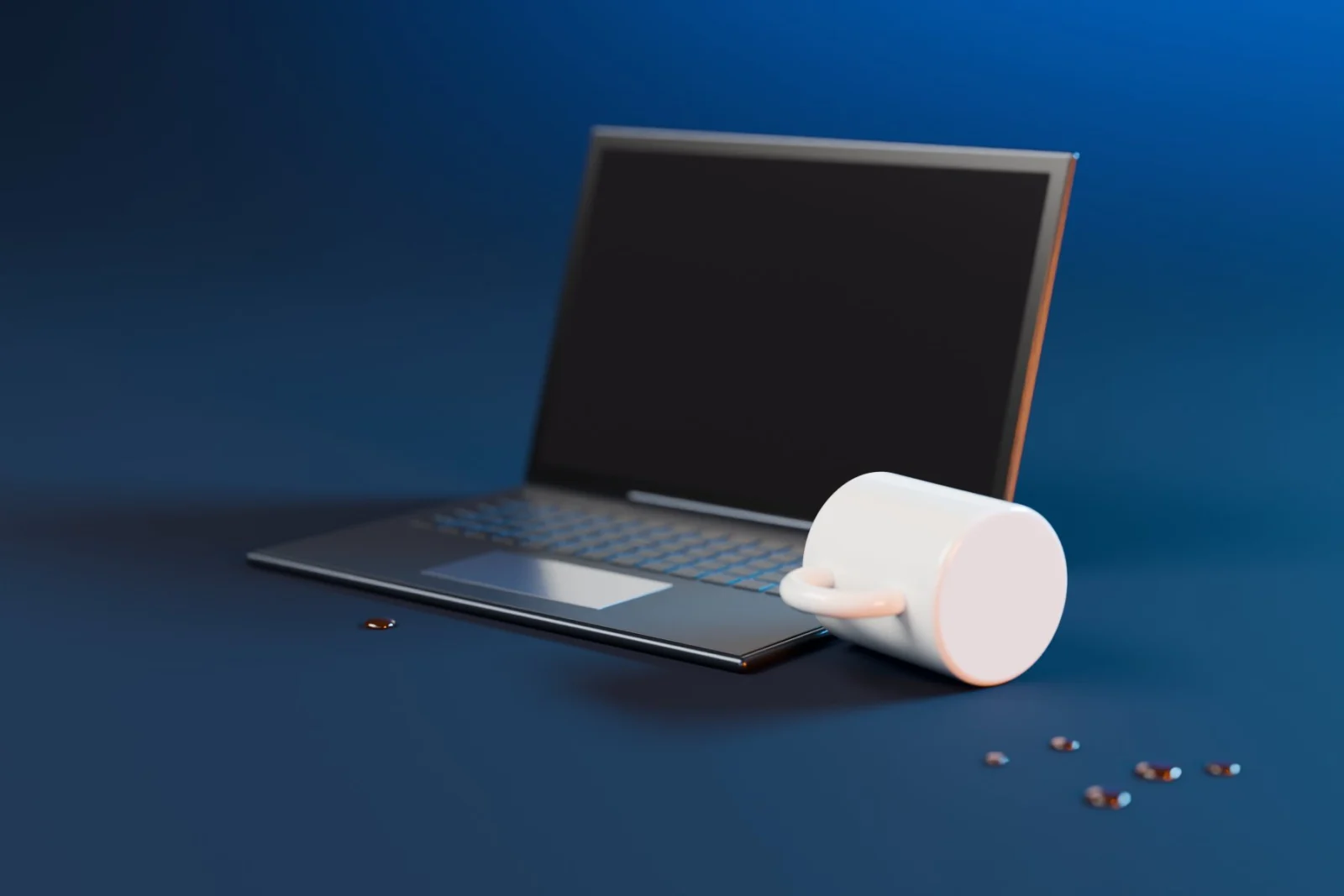
Just Spilled Something on Your Computer?
If the device is still running, shut it down if you can do so safely.
Avoid repeatedly turning it on or plugging it in to see if it still works.
What Happened?
Choose the situation that sounds closest. You don't need to know which component was affected.
[city] ✓ · Liquid Damage ✓ · [problem] ✓
What Happens Next?
-
1
Tell Us What Happened
Tell us what was spilled, which computer was affected and what happened afterward.
-
2
We Start With the Situation
A computer that won't turn on after a spill is different from an ordinary no-power problem. The liquid exposure stays attached to the request.
-
3
We Determine the Appropriate Next Step
Liquid damage can affect devices differently. The next step depends on the computer, the exposure and the symptoms you're seeing.
-
4
You Know Before Work Moves Forward
If additional work, parts or a different repair path is required, the next step should be clear before proceeding.
What Is Your Computer Doing Now?
Liquid exposure doesn't always cause one obvious symptom.
Your computer may:
- Not turn on
- Stop charging
- Shut down unexpectedly
- Develop keyboard or screen problems
- Have ports or other functions stop working
- Appear to work normally at first
Don't try to identify the failed component yourself. Tell us what changed after the spill.
Laptop, MacBook or Desktop?
-
Laptop
Spilled water, coffee or another drink on your laptop? Start with the spill and what the laptop is doing now.
-
MacBook
If your MacBook was exposed to liquid, start here rather than trying to choose between battery, screen or general Mac repair.
-
Desktop Computer
If liquid reached a desktop computer or connected hardware, tell us what was affected and what changed afterward.
Not sure? Choose “I’m Not Sure.”
Are Your Files the Priority?
If the computer contains important files, tell us before further troubleshooting.
Your files are the priority.
Avoid repeatedly testing the computer. Tell us what happened before the files became inaccessible.
Where Did It Happen?
How Much Does Liquid Damage Repair Cost?
There isn't one responsible flat price for every liquid-damaged computer.
The appropriate next step depends on the device, what happened and the work required.
Where additional work, parts, equipment or another repair path is required, it should be explained before proceeding.
We won't guess at a repair you may not need.
Why Start With OnSiteTech?
-
No Diagnosis Required
You tell us what happened. You don't have to figure out which internal component failed.
-
Problem-First Booking
Your city, liquid-damage incident and selected problem carry into the booking journey.
-
Clear Next Step
The goal is to understand the situation before assuming which repair is required.
-
Help in Calgary
The page is specifically for computer and laptop liquid-damage requests in Calgary.
- Microsoft Certified
- 10+ Years Experience
- Price Approved Before We Start
- 30-Day Warranty on Performed Labour
Liquid Damage Repair FAQ
What should I do after spilling water or coffee on my laptop?
Turn the computer off and disconnect power if you can do so safely. Avoid repeatedly turning it on or charging it to test whether it still works. Then tell us what happened and what the computer is doing now.
My laptop still works after the spill. Should I ignore it?
A computer can appear to work after liquid exposure and develop problems later. Start with what happened rather than assuming the incident is harmless.
What if my laptop won't turn on after getting wet?
Avoid repeatedly attempting to power or charge it. Select “It Won’t Turn On” when starting your request so the liquid exposure stays attached to the problem.
Can you tell me if my computer can be repaired?
That depends on the device, the exposure and what was affected. Start by telling us what happened rather than trying to diagnose the failed component yourself.
What if the files on my laptop are more important than the computer?
Select “My Files Are Important.” That makes your data the priority in the request. If the issue becomes primarily data recovery, keep that journey separate from general liquid-damage repair.
Do you repair liquid-damaged phones or iPhones?
This page is specifically for computers and laptops.
Something Spilled? Start With What Happened.
Don't worry about choosing the right repair.
Tell us what happened to your computer and what it's doing now.
- Microsoft Certified
- 10+ Years Experience
- Price Approved Before We Start
- 30-Day Warranty on Performed Labour
